


What if your next top-performing influencer never asked for a contract, never missed a deadline, and could post whenever you want it to? Yes, it’s possible with an AI virtual influencer. From luxury fashion campaigns to streetwear startups, brands are racing to create their own virtual influencer.
Moreover, digital icons like Miquela have already proven that people on social media are more than willing to engage with AI personalities. So, if you are starting a new brand and want a fully customizable digital personality, you are at the right place. An AI influencer can help you grow your brand on Instagram, promote products, and drive eCommerce sales.
Scroll down and learn how to create an AI influencer with a good AI-powered app like Blend.
Select the AI Model feature on Blend
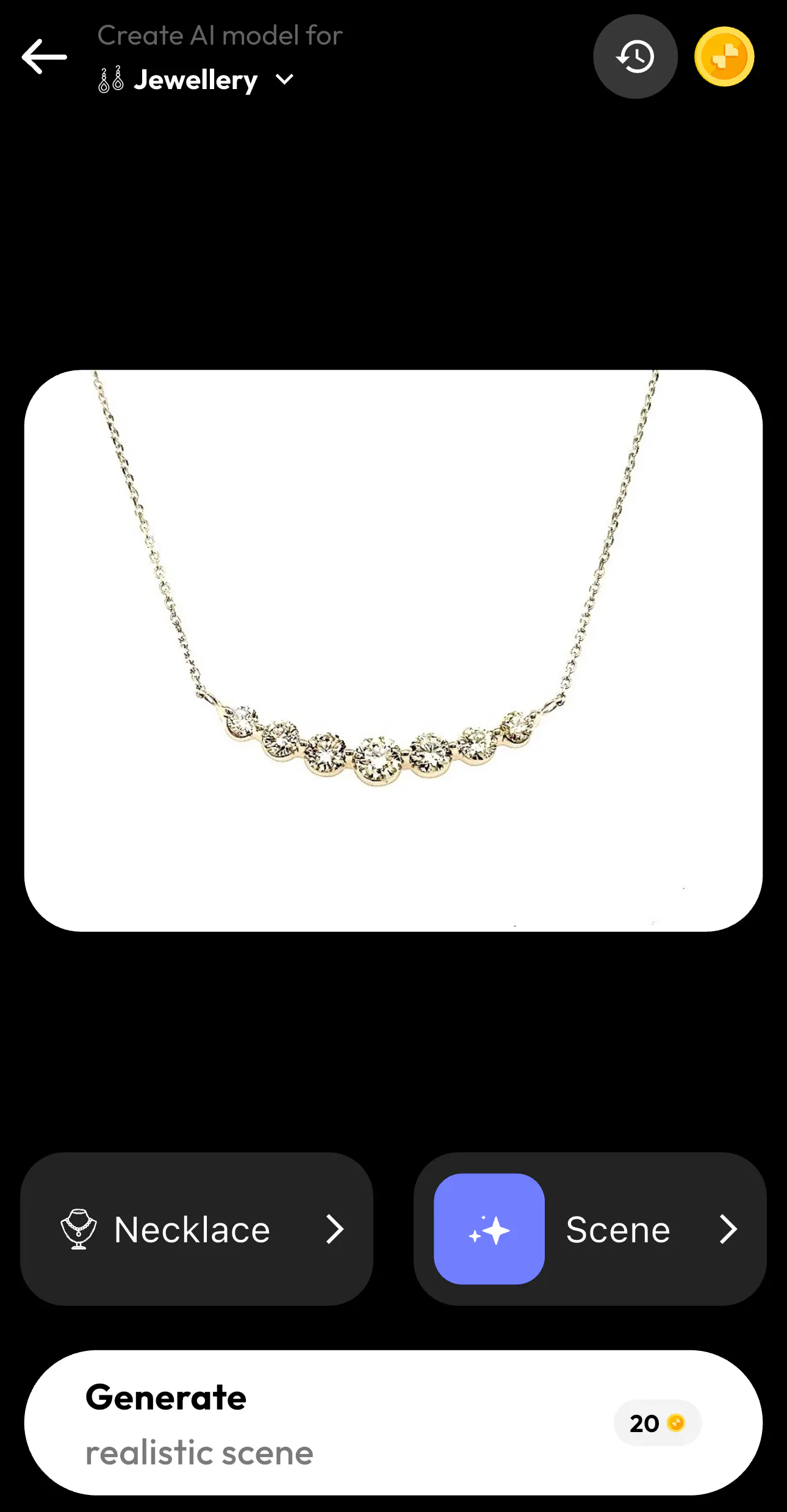
Let’s say you run a jewelry business and need a stunning AI model to promote your dainty necklaces. All you have to do is click the AI Model feature and upload the necklace you want to promote. Once you upload your picture, Blend AI will automatically detect that it’s jewelry and it will try to generate a model for you.
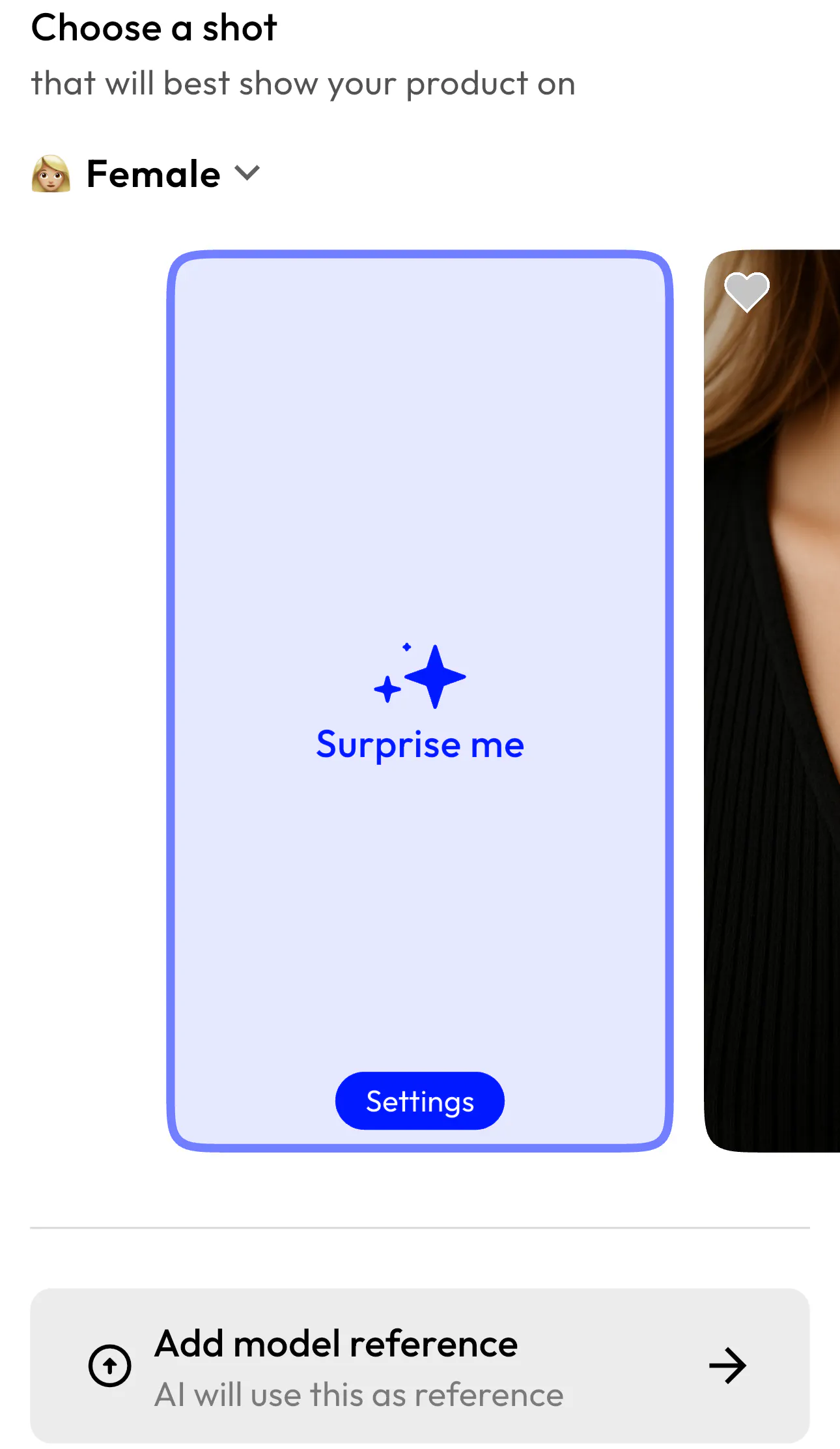
If you aren’t satisfied with the result, you can select the “Scene” option here:
Then, select the “Surprise Me” button.
How to Create an AI Influencer with Blend
Creating your own virtual influencer for your clothing brand is simple with Blend that you can use to promote anything you want. From clothing to perfumes, shoes, and accessories, a fully customized virtual influencer will do it all.
Below is a complete walkthrough based on the model creation interface.
Step 1: Choose Who’s Trying the Outfit
The first step inside the model creator is selecting who your digital model will be.
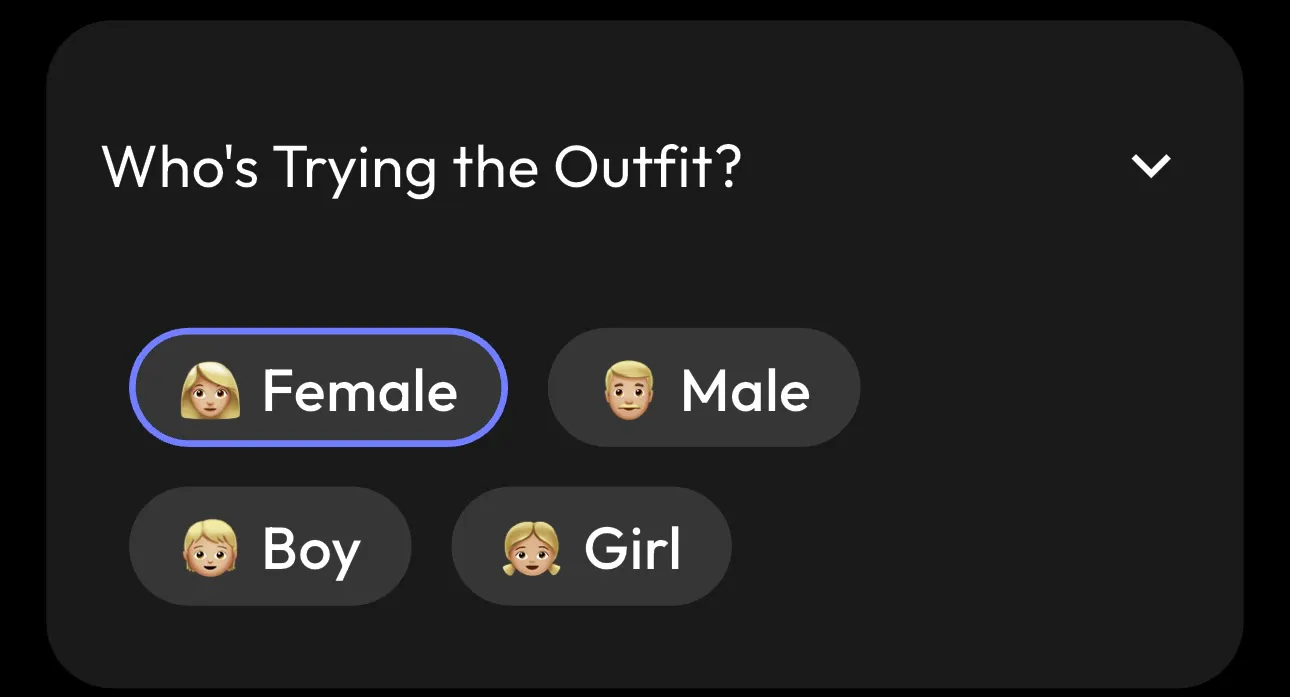
When you choose the right base category, it defines your target audience, brand positioning, and your fashion niche.
For example:
- Streetwear brands may create a male or female Gen Z influencer.
- Kidswear brands can build a boy or girl digital ambassador.
- Women’s fashion stores can generate a female influencer optimized for Instagram marketing.
This initial choice sets the foundation for your virtual influencer’s identity.
Step 2: Select Ethnicity
Blend is one of the rare AI-powered apps that allows you to create diverse, inclusive digital influencers by selecting ethnicity.
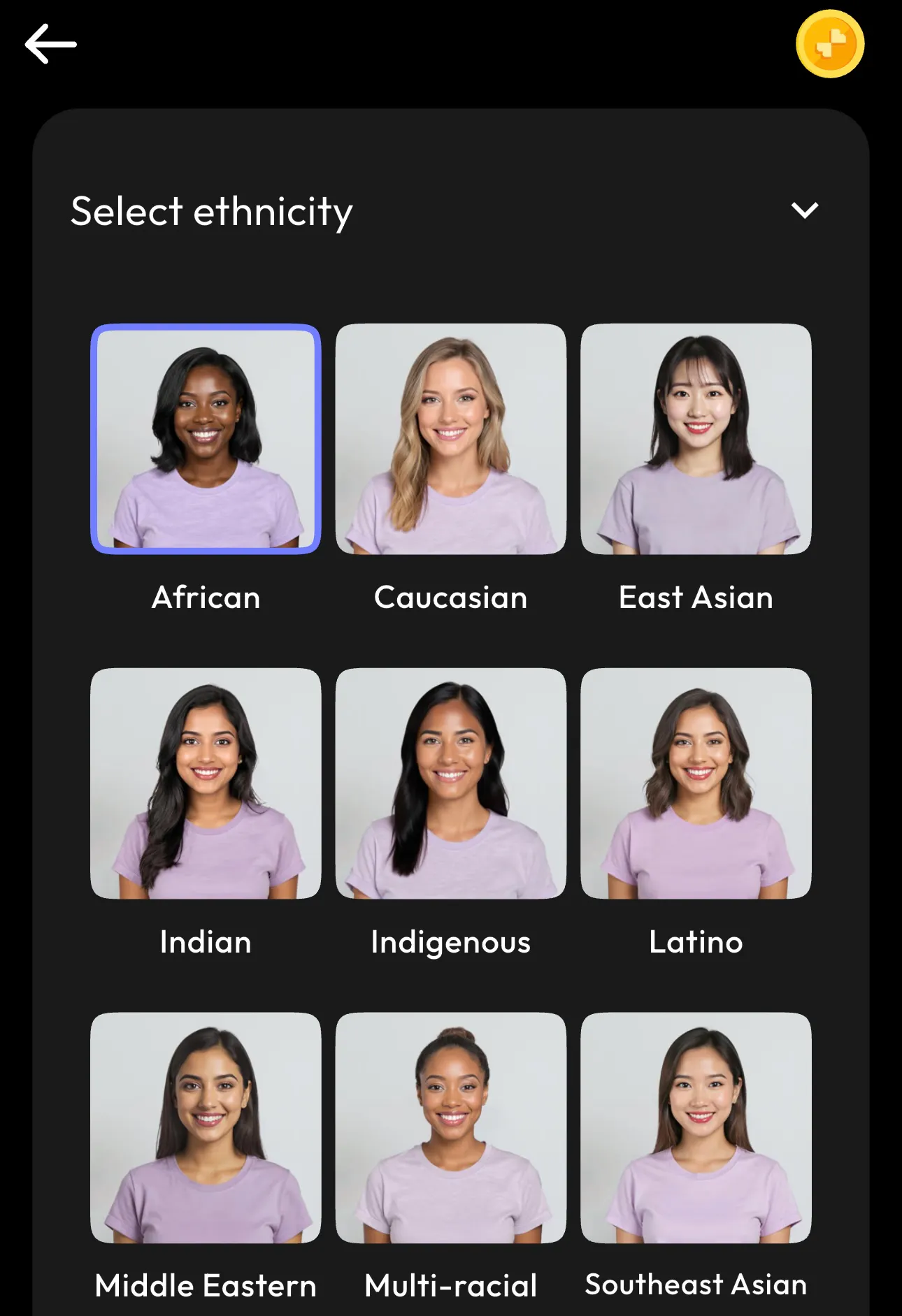
Diversity is one of the most important things when it comes to brand building. It drives engagement and relatability. Also, if you are targeting a specific region, it can help build the audience’s trust and it will help you attain global reach.
Tip: If your brand sells internationally, you can even create multiple virtual influencers for different regions and campaigns.
Step 3: Pick a Hair Type
Hair plays a major role in defining a person’s personality and style.
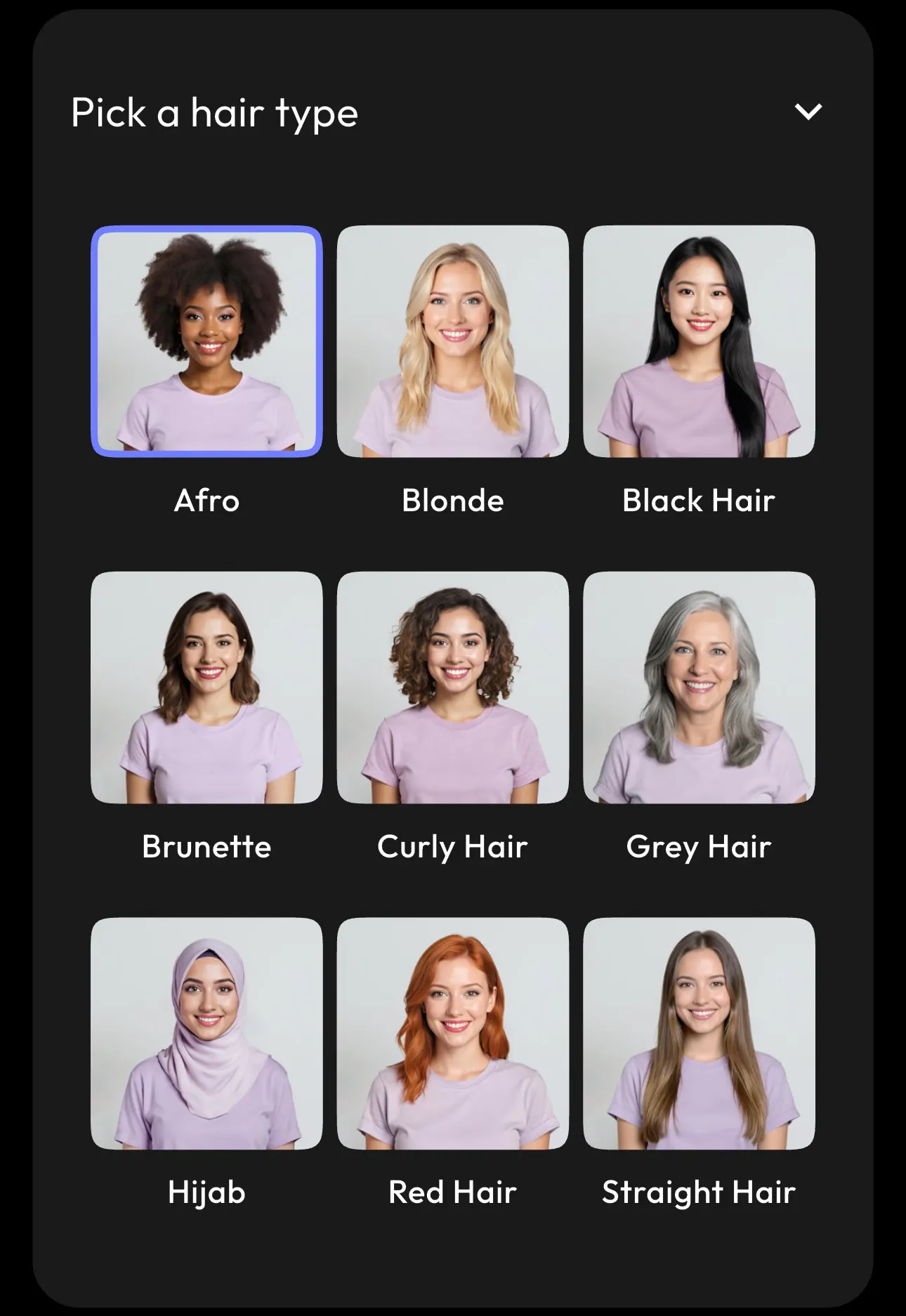
Hair style influences your influencer’s overall aesthetic:
- Curly or Afro → Bold, expressive streetwear vibe
- Blonde or Straight → Clean, minimal luxury aesthetic
- Hijab → Modest fashion
- Grey Hair → Mature lifestyle niche
Consistency in hair and styling strengthens brand recognition across campaigns.
Step 4: Select Skin Tone
Blend allows you to refine skin tone for realism and inclusivity.
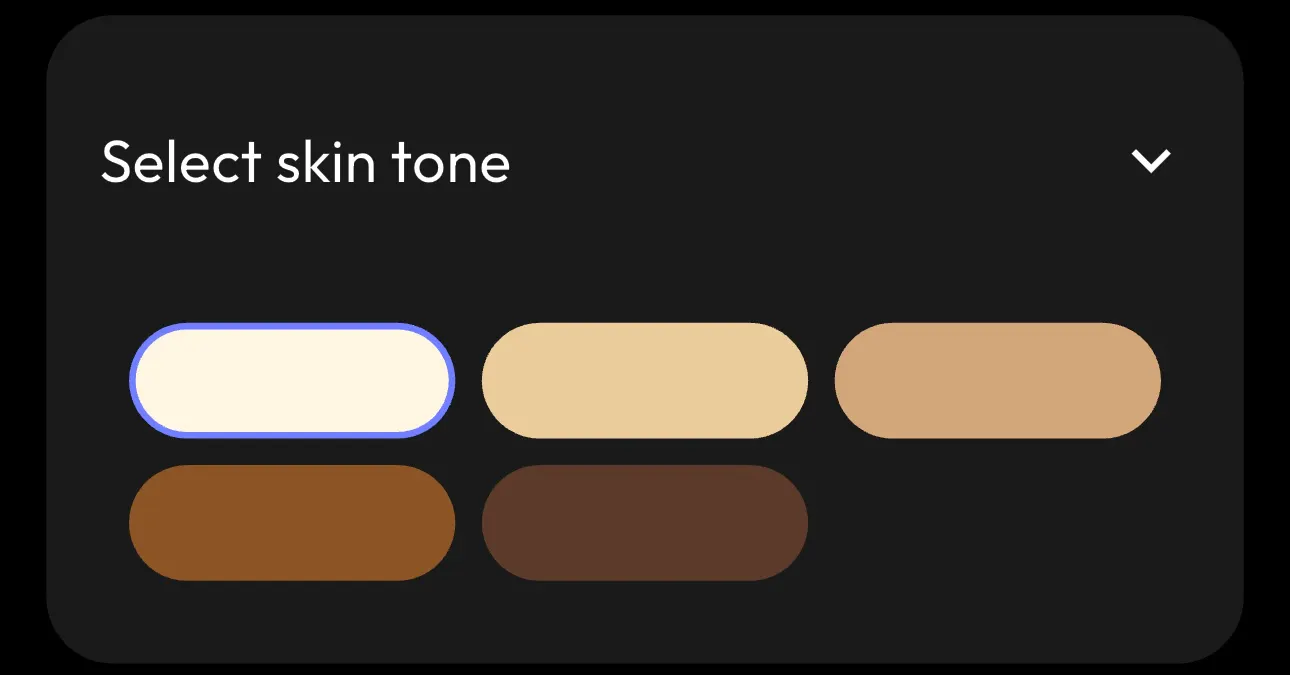
When you select the right skin tone, it ensures accurate brand representation, realistic clothing previews, and inclusive marketing. When you select the right skin type, it helps customers visualize the product.
Step 5: Set an Age Group
Age selection helps position your digital influencer in the right niche. Always remember that your age selection should match your buyer demographic, clothing style, and your price point.
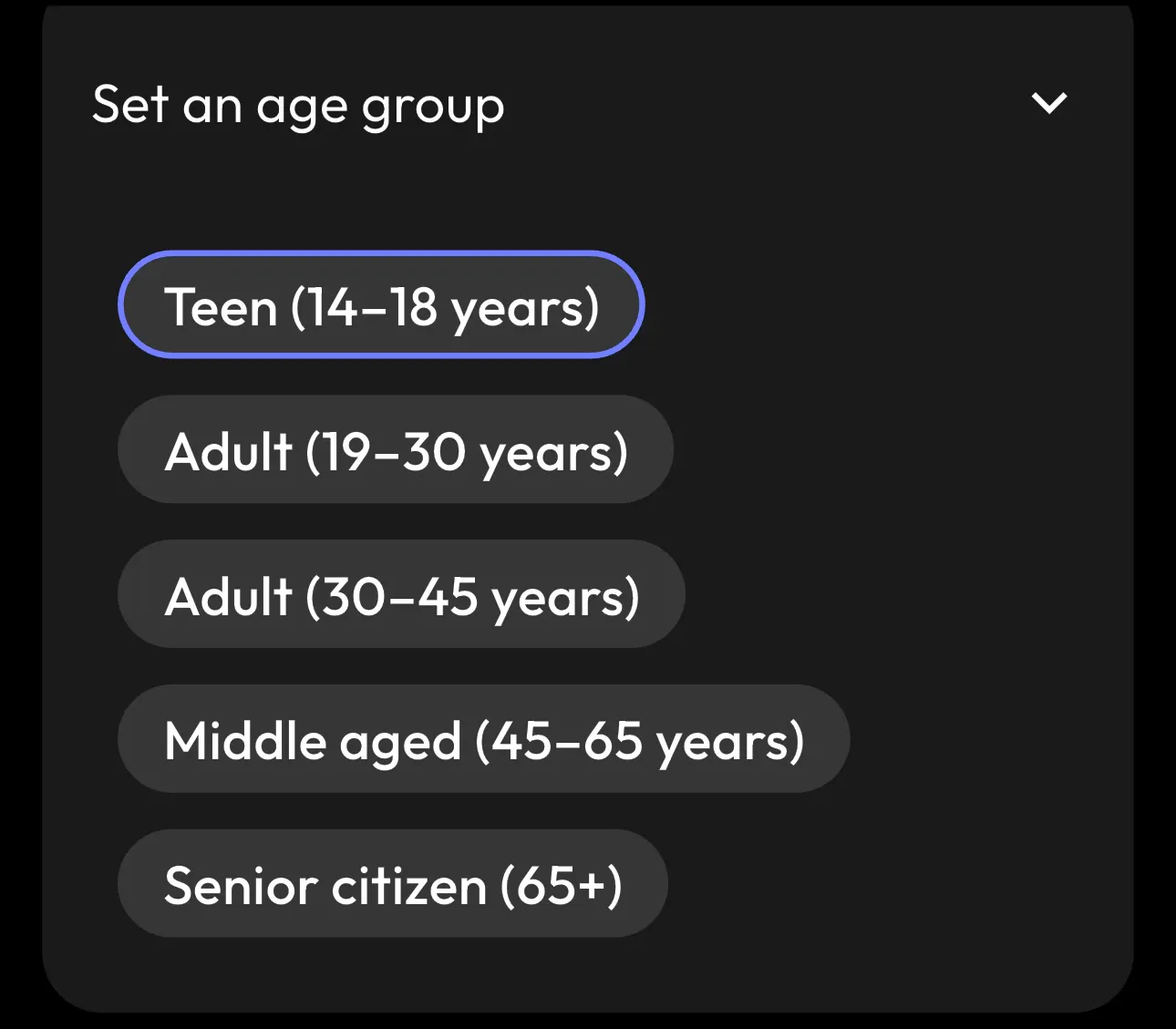
Choosing the right age group will ensure that your virtual influencer resonates with your customers.
Step 6: Find the Perfect Body Shape
This is where your AI Model customization becomes powerful.
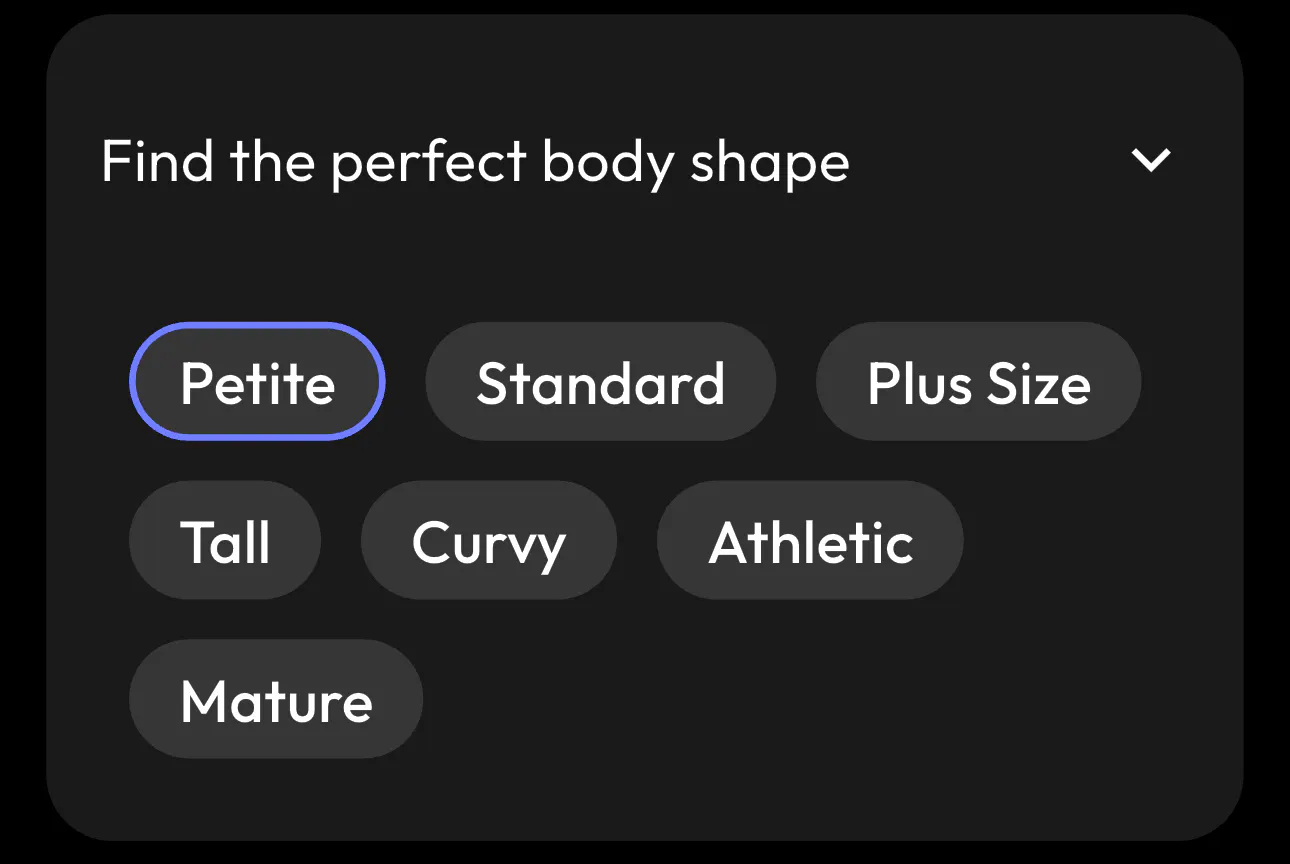
In today’s times, body positivity is very essential. Brands make it a point to choose inclusivity by creating a plus-size influencer, designing an athletic fitness model instead of just a petite one. Moreover, brands also create a taller model than usual to showcase their product.
This enhances the shopping experience and helps customers see themselves represented in your brand.
Step 7: Click Generate
Once all the parameters are selected, tap Generate. You now have a fully customized virtual influencer ready to promote your clothing brand.
Take a look at some of the AI models I generated using Blend. I tried many variations just to show you how versatile the Blend app is:

A radiant, curly-haired woman with warm glowing skin for a diverse jewelry brand

A stunning causation AI Model with blonde hair for a tech brand.

A fit, muscular man with fair skin and dark hair for an athleisure brand.
Conclusion
No matter the industry, brands today live online. It’s all about creating a buzz on Instagram, Facebook, YouTube, and TikTok. Customers scroll, compare, research, and make decisions faster than ever. It doesn’t matter whether you run a fashion, beauty, fitness, tech, education, or an eCommerce brand.
What matters is how strong your visual presence is. That’s where AI models and AI influencers become powerful. Instead of organizing frequent photoshoots, coordinating talent, and managing production timelines, brands can generate professional visuals on demand. With Blend’s app nuanced features, anyone can create an AI Model in a few minutes.