
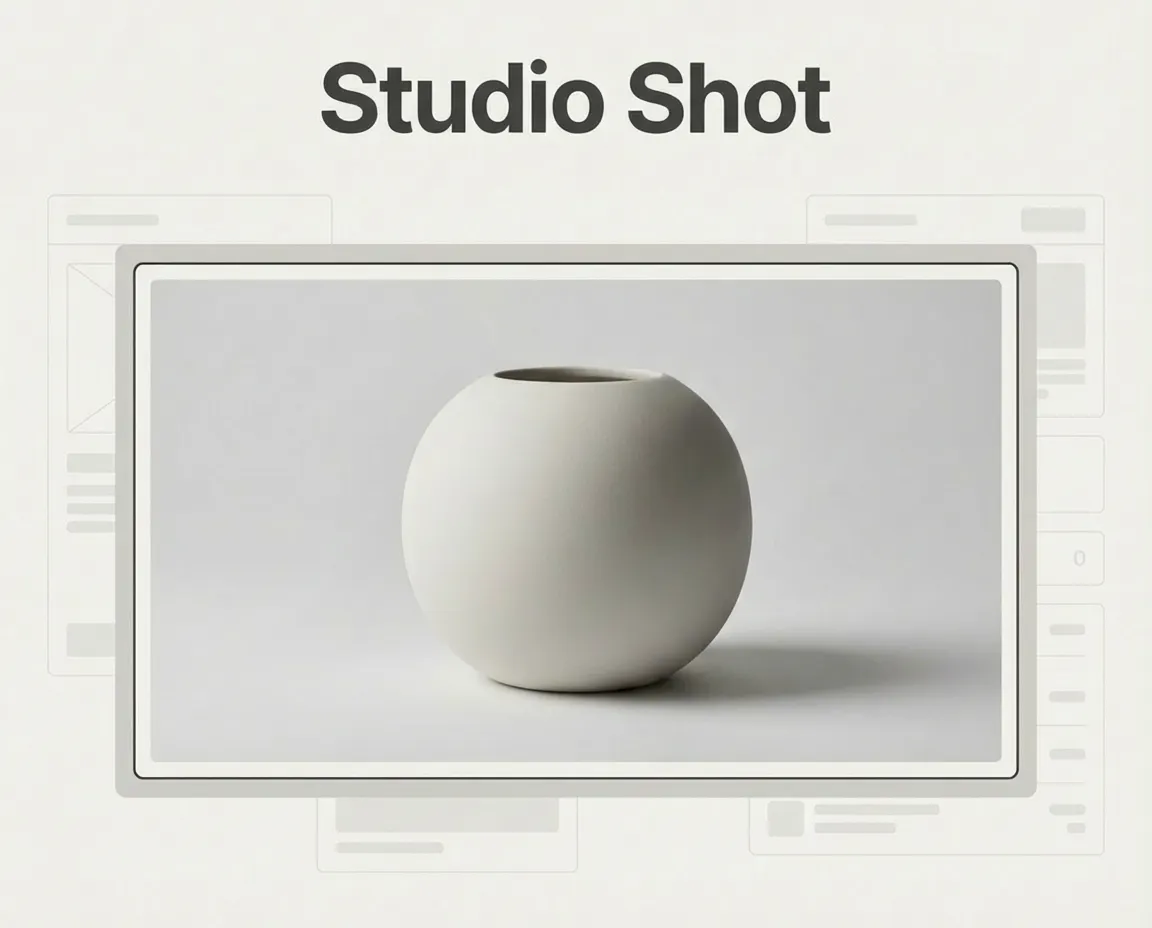
If you have been following Blend, you would have seen our focus on helping e-commerce brands present products clearly and consistently across channels. From PDPs to marketplaces, clean visuals are not about aesthetics alone—they reduce friction, improve trust, and allow products to scale without visual compromise.
As teams publish across websites, marketplaces, and performance channels simultaneously, the expectation is visual consistency delivered at speed. Traditional studio setups and manual retouching workflows are time-intensive and difficult to scale, often resulting in fragmented catalogues. To bridge this gap, Studio Shot is built directly into the Blend web application.
What Studio Shot Is and How to Use It Properly
Studio Shot is a feature that produces clean, studio-grade product images from ordinary raw inputs. Its primary focus is to remove environmental noise, normalise lighting, and refine product edges while preserving the original structure, proportions, and colour. It is not designed to introduce lifestyle context or to repair fundamentally poor photography. Its role is to make existing products presentation-ready for e-commerce and visually consistent across platforms.

Using Studio Shot on the web is intentionally simple. After uploading a product image, select Studio Shot as the enhancement type, choose a background style, and generate the output. The system automatically handles background cleanup, product isolation, and lighting balance without requiring any manual masking or retouching. The processing is handled entirely by the system, allowing teams to move quickly without introducing operational overhead.
How to Standardise Product Images at Scale
As product catalogues grow, inconsistent images are one of the fastest ways to lose trust. Different lighting, framing, backgrounds, or shadows make even good products feel disorganised. For customers, this creates friction. For teams, it creates endless reshoots and manual work.
Standardising product images isn’t about making everything look identical. It’s about creating a repeatable visual system where every product looks as if it belongs in the same catalogue, regardless of when or how it was created.
What “Standard” Actually Means for Studio Shots
A studio shot standard is not subjective. Across marketplaces and high-performing D2C brands, it usually comes down to a few consistent rules.
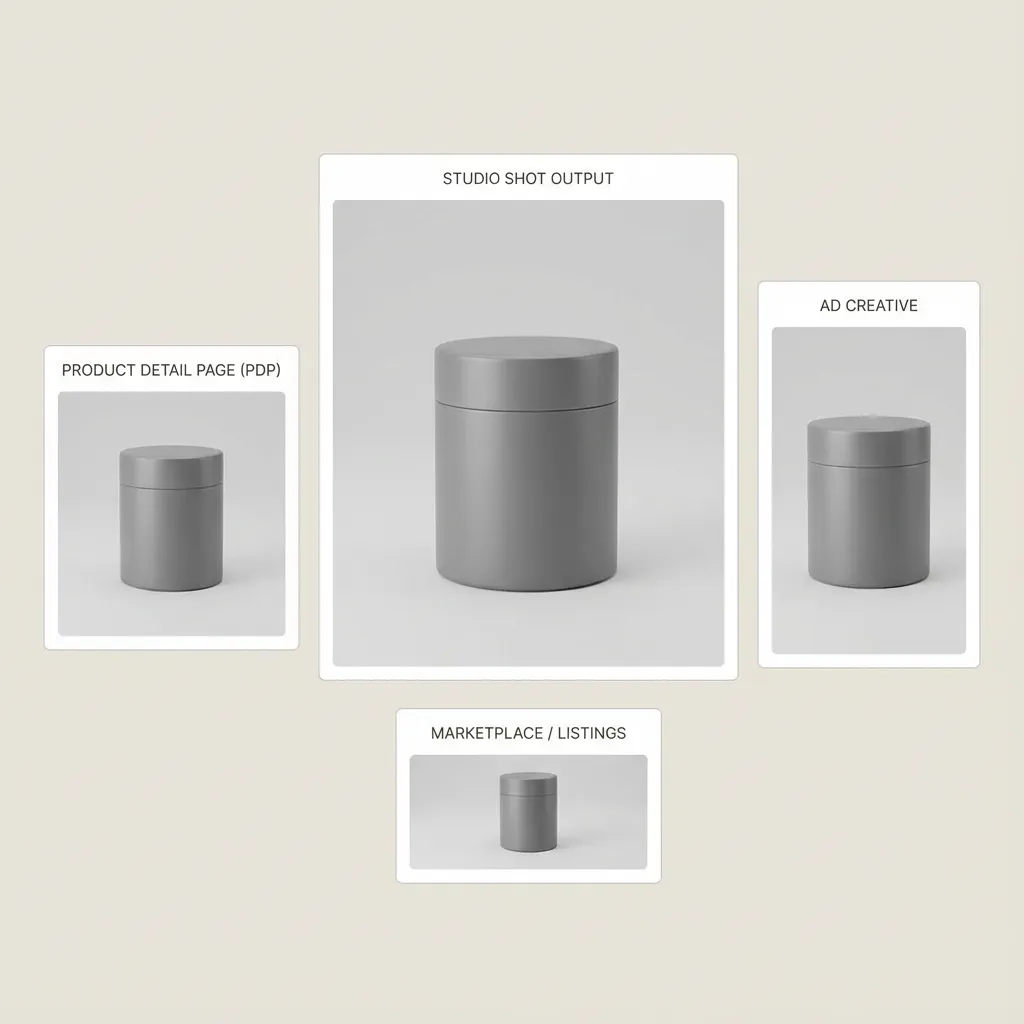
A standard studio shot features a clean, neutral background, typically white. The product is centred, fully visible, and framed consistently across SKUs. Lighting is even, shadows are soft and controlled, and colours are accurate to the real product. There is no visual noise, no props, and no creative distractions.
When these elements remain consistent, customers can scan faster, compare products more easily, and trust what they see. That trust directly impacts conversion.
Why Traditional Studio Work Breaks at Scale
Most teams can capture a standard studio shot in a single take. The problem starts when they need to do it again, and again.
As catalogues expand, traditional studios introduce variability. Different shoots, setups, editors, and timelines lead to small inconsistencies that compound quickly. Any update, a new colour, a refreshed SKU, or a seasonal push often means repeating the entire process.
This is where “standardisation” breaks down. Not because teams don’t want consistency, but because the workflow doesn’t support it.
How Studio Shot in Blend Achieves a Consistent Standard
Studio Shot in Blend is designed to enforce consistency by default. Instead of relying on physical setups, it standardises the output through software.
Once a product image meets a basic quality threshold, clear edges, decent lighting, and full visibility, Studio Shot applies the same background, framing, lighting balance, and shadow treatment every time. This removes variability between shoots, editors, and timelines.
The result is not just a clean image, but a predictable output. Every product follows the same visual rules, regardless of when or where the base image was captured.
How This Scales Across Catalogues and Teams
True standardisation only matters if it scales. Studio Shot makes scaling possible by turning studio imagery into a repeatable workflow rather than a one-time effort.
New products can be added without setting up new shoots. Variants can be generated without reshooting. Seasonal updates don’t require rebuilding the entire catalogue. Teams don’t need deep design expertise to maintain consistency; the system enforces it.
As a result, brands can grow their catalogues while keeping visual quality stable, predictable, and aligned.
Conclusion
Studio Shot on Web is designed to simplify product image standardisation. It helps teams achieve studio-grade consistency without physical studios or manual retouching, making it a dependable part of the e-commerce imaging workflow.
With the right inputs and consistent usage, Studio Shot enables predictable, scalable visual quality across PDPs, marketplaces, and catalogues. Try Studio Shot on Blend Web to standardise your product images and streamline your catalogue workflow.