
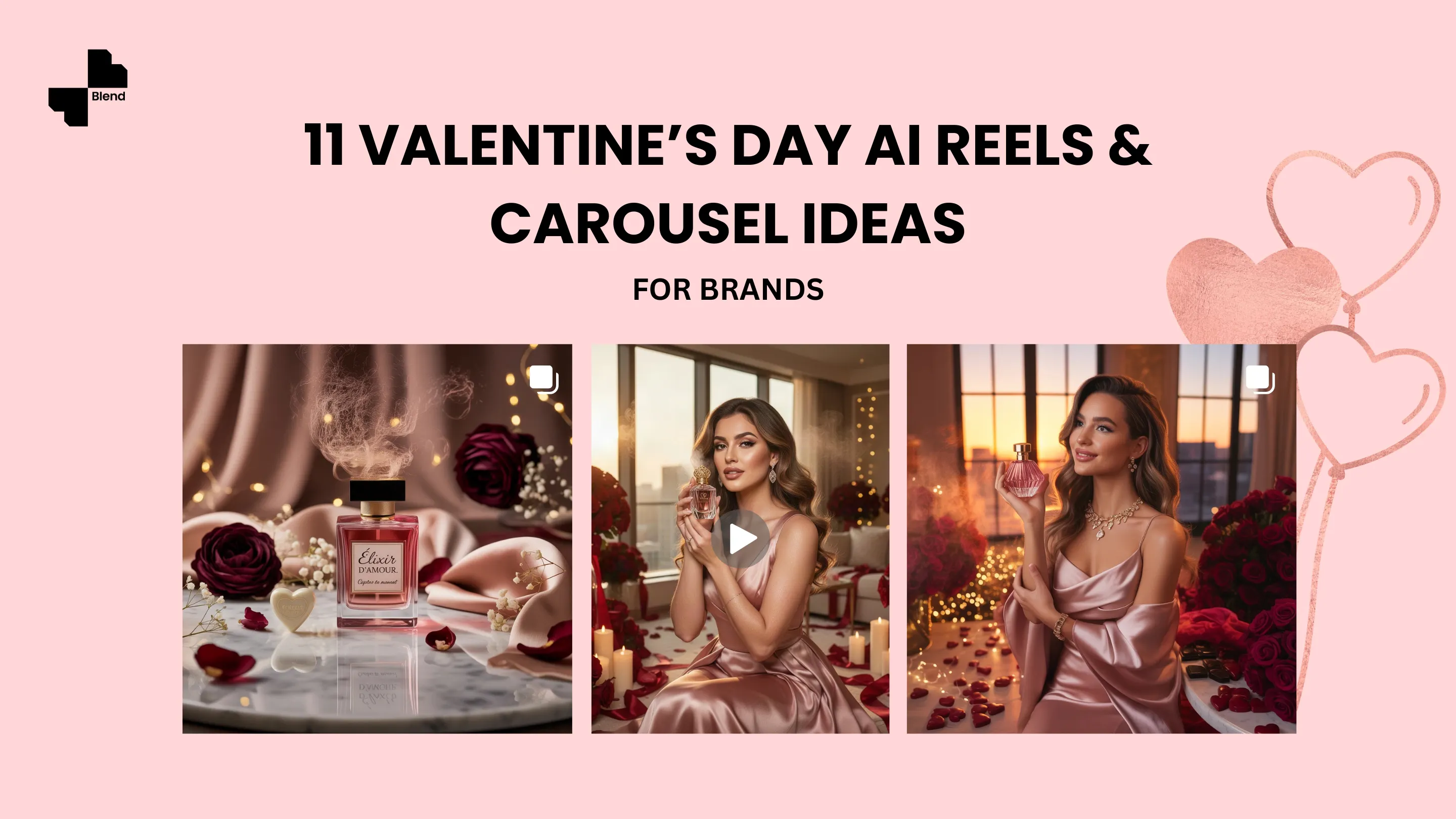


Valentine’s Day is just around the corner. For brands, that means one thing. It’s a golden opportunity to create emotional, scroll-stopping content that drives engagement. Clicks, saves, shares, and sales. But it’s not so easy. There’s always a challenge. Brands have to make sure that their product pictures and reels stand out in a feed flooded with hearts, roses, and clichés.
That’s where Blend’s AI-powered creativity comes in. With the help of Blend’s AI design features, brands can create high-quality Reels and Carousel posts without expensive shoots or long production timelines. Here are 10 Valentine’s Day content ideas you can create using Blend’s features as irresistible creative hooks.
1. Create a Valentine’s Day Product Catalogue
Revamp your existing product listings with a Valentine’s Day twist instead of creating new content from scratch. This is one of the easiest and most effective ways to seasonalize your store.
What to do with Blend:
- Use AI Backgrounds to replace standard white backgrounds with Valentine-themed ones (hearts, soft pinks, romantic textures)
- Alternatively, use Studio Shot and pick a pink or blush hue instead of white to create a cohesive Valentine catalogue.
Similar catalogue-style visuals can also be generated using Lifestyle Shots for a more contextual feel.
2. AI Model Styling: Date Night Looks
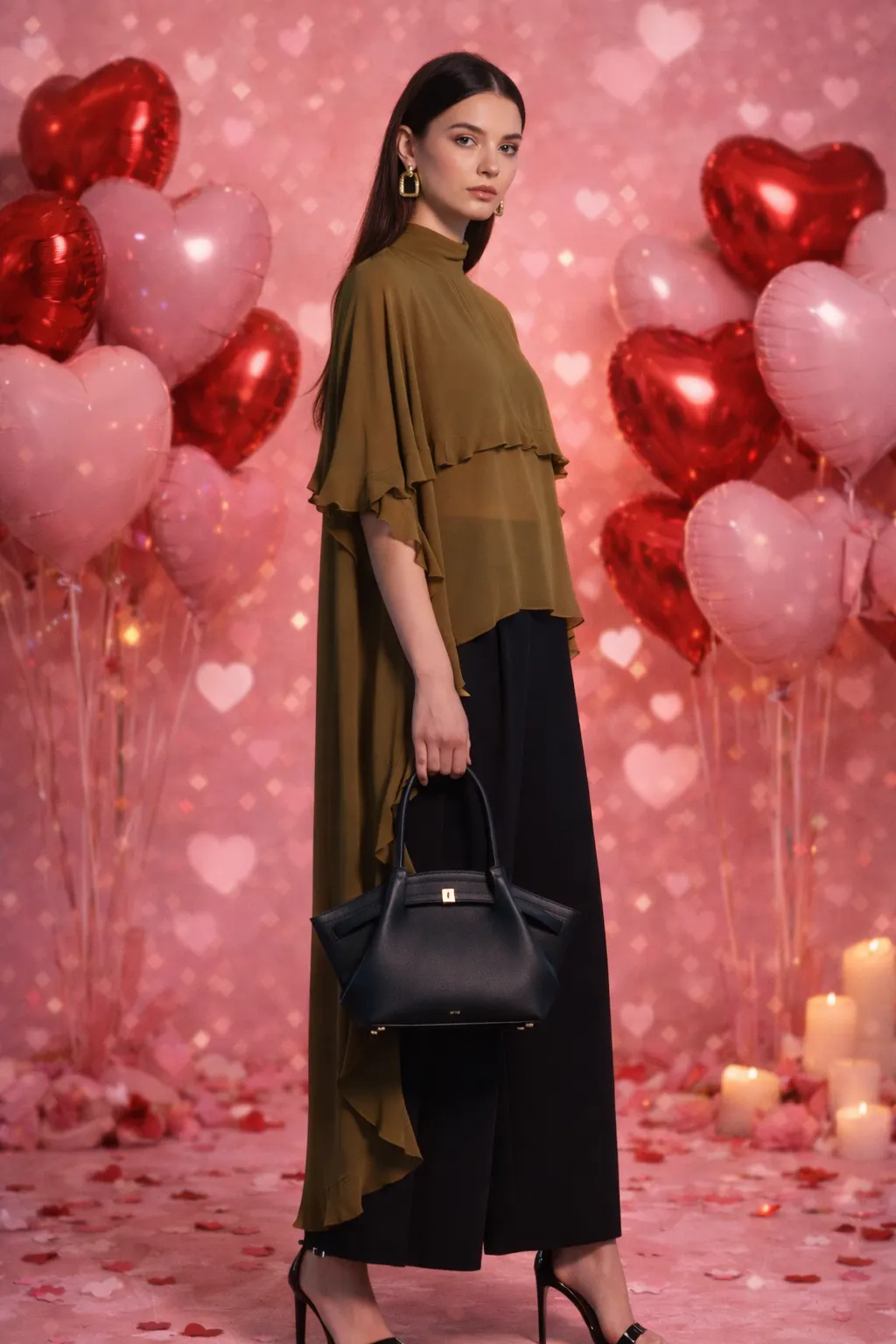
If statistics are to be believed, candy/sweets are the most gifted item on Valentine’s Day, followed by greeting cards, flowers, and romantic dinner dates. And with Valentine’s Day comes date nights and the inevitable conundrum, “What should I wear?” This is where clothing and jewelry brands can use Blend’s AI Model feature.
By using AI-generated models, products can be shown across different date-night moods, helping customers instantly picture how they would look and feel wearing them.
How to use AI Model feature on Blend:
- Select the “AI Model” feature
- Click on upload your clothing
- Customize your clothes/jewelry
- Select a model of your choice
- Tap the “Generate” button and voila!
You can also edit the image to have a valentines day background. You can do that by further editing the image after generation. Similar things can also be generated using Lifestyle shots.
Your AI model picture is ready. From full glam to soft glam looks, you can create several date night looks with ease and convenience.
3. Cinematic Product Close-Up Reel
Let’s accept it. More than your significant other, it’s the gifts that have the “main character” energy on Valentine’s Day. You can create a viral cinematic close-up reel of your chocolate using Blend’s AI Videos feature.
How to use AI Videos feature on Blend:
- Go to the “AI Videos” feature
- Select the video preset that fits the best with your product
- Then select a starting frame and the video will be generated in no time
This close-up reel can turn a simple product image into something emotional, luxurious, and memorable.
4. Create Valentine’s Day Party Poster
Throwing a Valentine’s Day party? Create a poster using Blend’s AI Design feature. Select the perfect layout, typography, and mood.
What the poster should communicate:
- Clearly highlight the event name (Valentine’s Night, Valentine’s After Dark, Love Night, etc.)
- Set the mood with romantic or nightlife-inspired visuals (candlelight, red tones, soft pinks, disco lights)
- Include key details: date, time, reservation note
- Keep copy minimal but evocative
- Design it to work across print and digital formats
With Blend, creating a Valentine’s Night party poster is quick, flexible, and stress-free. Once your design is ready, you can easily resize and reuse it across social media, email invites, and in-restaurant displays.
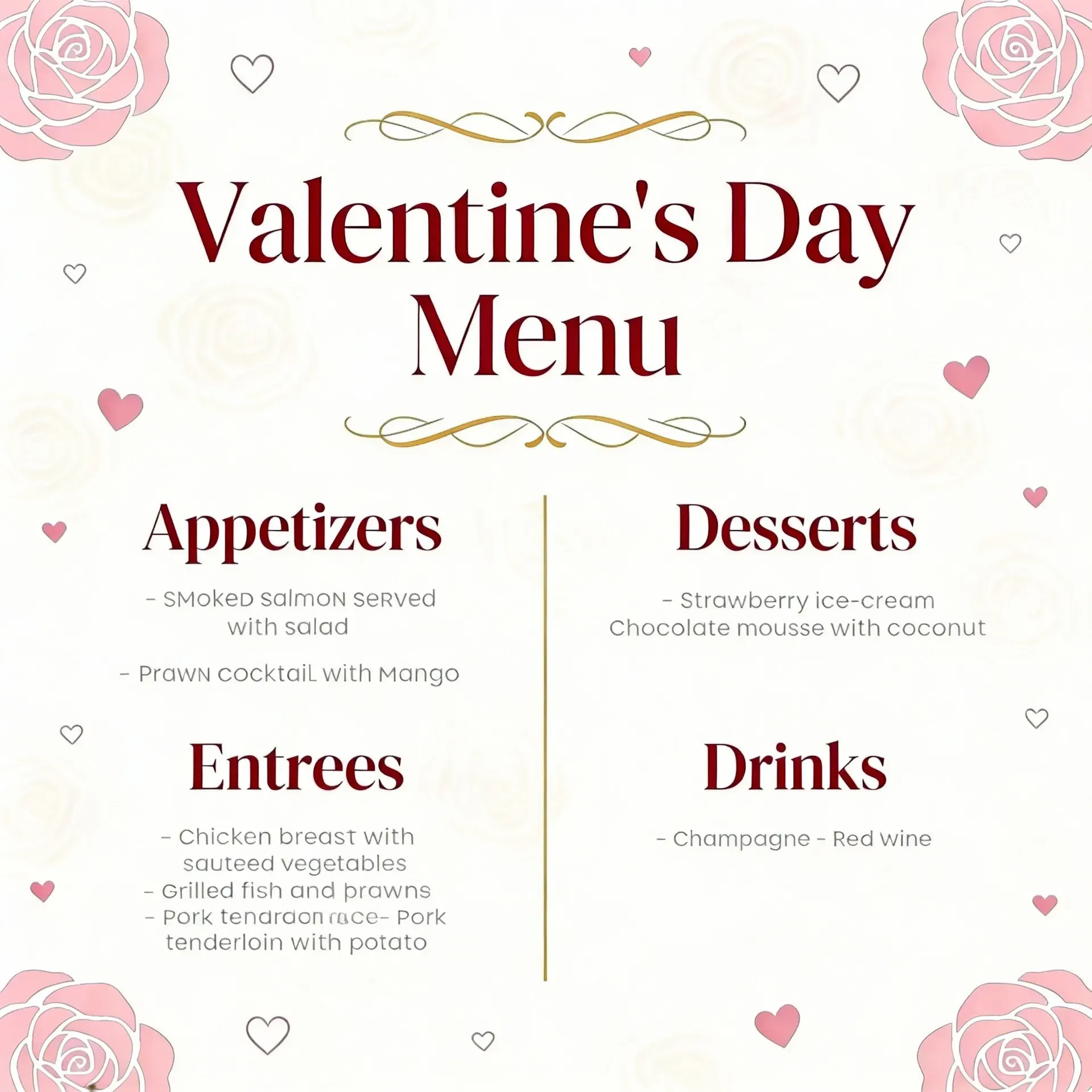
5. “Valentine’s Specials” Menu
For restaurateurs, Valentine’s Day is the perfect opportunity to add some extra dishes to their menu. Guests are already coming in with high expectations. Romantic ambience, memorable food, and something that feels exclusive to the occasion. You can create a dedicated Valentine’s Specials menu to highlight new dishes.
How to do it with Blend:
- Use the “Create Design” option
- Type your idea and give the name of the dishes you want to add
Instead of overloading guests with choices, a Valentine’s menu guides them toward what you want to be remembered for.
6. Texture & Detail-Focused Carousel
Showcase your products this Valentine’s Day by sharing a detail-focused carousel. This can help your brand spotlight craftsmanship, sparkle, and finish in a way full product shots can’t. By zooming in on textures, cuts, and settings, you invite customers to appreciate the quality that makes a piece feel truly gift-worthy.
Use “DesignGPT” to create high-quality images for rings, earrings, necklaces, and fine jewelry collections, letting customers fall in love with the details before they fall in love with the piece.
7. Dress Your Brand Mascot as Cupid
Dress your mascot or the face of your brand in Valentine’s or Cupid-inspired attire. Sounds funny, right? It is a great way to seasonalize your brand without changing your identity. It adds personality, humor, and campaign cohesion while keeping the focus on your products.
How to do it with Blend:
- Remove Background: Start by removing your mascot from its original background
- AI Backgrounds: Place the mascot into Valentine-themed scenes (soft pinks, clouds, hearts, disco lights, romantic settings)
- Lifestyle Shots: Add Cupid elements like wings, bows, hearts, and Valentine props. Or add Valentine outfits that match your celebrity’s vibe
- Style variations: Create multiple versions (Cupid mascot, disco-night mascot, self-love mascot) for carousels or Instagram Stories
- Use everywhere: Feed posts, Reel covers, Valentine’s specials menus, and party posters
This fun way of celebrating Valentine’s Day won’t change your brand’s identity or aesthetic. In fact, it’ll create a meaningful moment with your customers. If that seems like a task for you, then you can simply create a logo for your valentines day collection.
8. Red Flag vs Green Flag Carousel
Dating world’s most common conversation: red flags and green flags. Showcase a series that highlights what kind of partner the former and the latter.
For example, a man who buys a gift on V-Day: Green Flag. A man who doesn’t: Red flag, obviously! The gift can be your best-seller. A pair of earrings, a handbag, shoes, chocolates, and whatnot. Alternate between red and green slides to make it more engaging.
9. Customer Reaction to Valentine's Gift
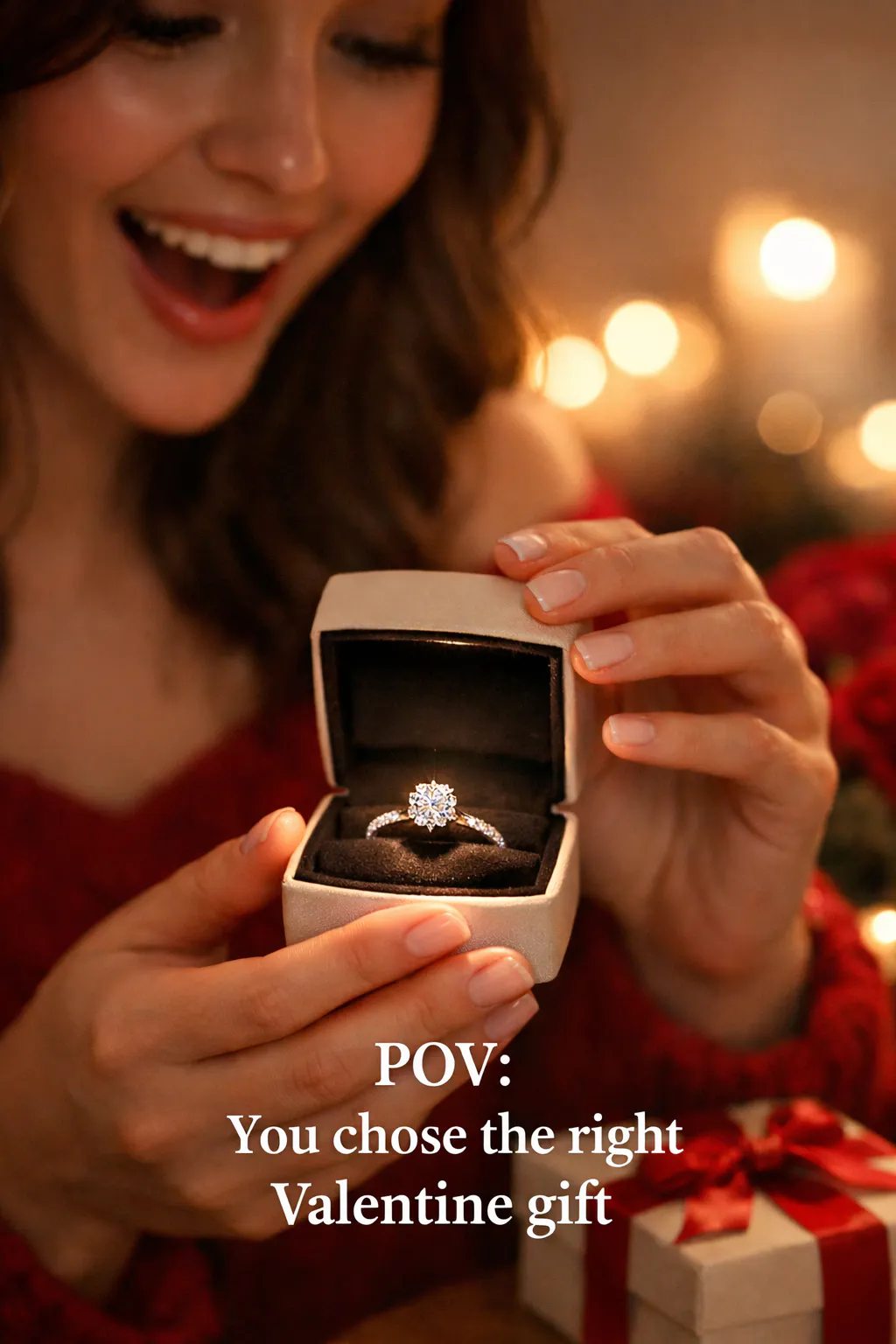
Gifting your partner a special gift and documenting their reaction has to be one of the wholesome aspects of this romantic day. The smile, the pause, the quiet “wow.” These types of posts capture the emotional payoff of gifting by showing how customers react when they receive your product. Use this perspective to connect with your audience.
How to do it with Blend:
- Use “Text Behind Image” feature on Blend
- Upload a picture and add a text that resembles the emotion in that picture
Caption hook examples:
- “This is the reaction you’re gifting”
- “When they open the box and just stare…”
- “POV: You chose the right Valentine gift”
Even without real reaction footage, brands can recreate this feeling using AI Image feature ok Blend to spark imagination and emotion.
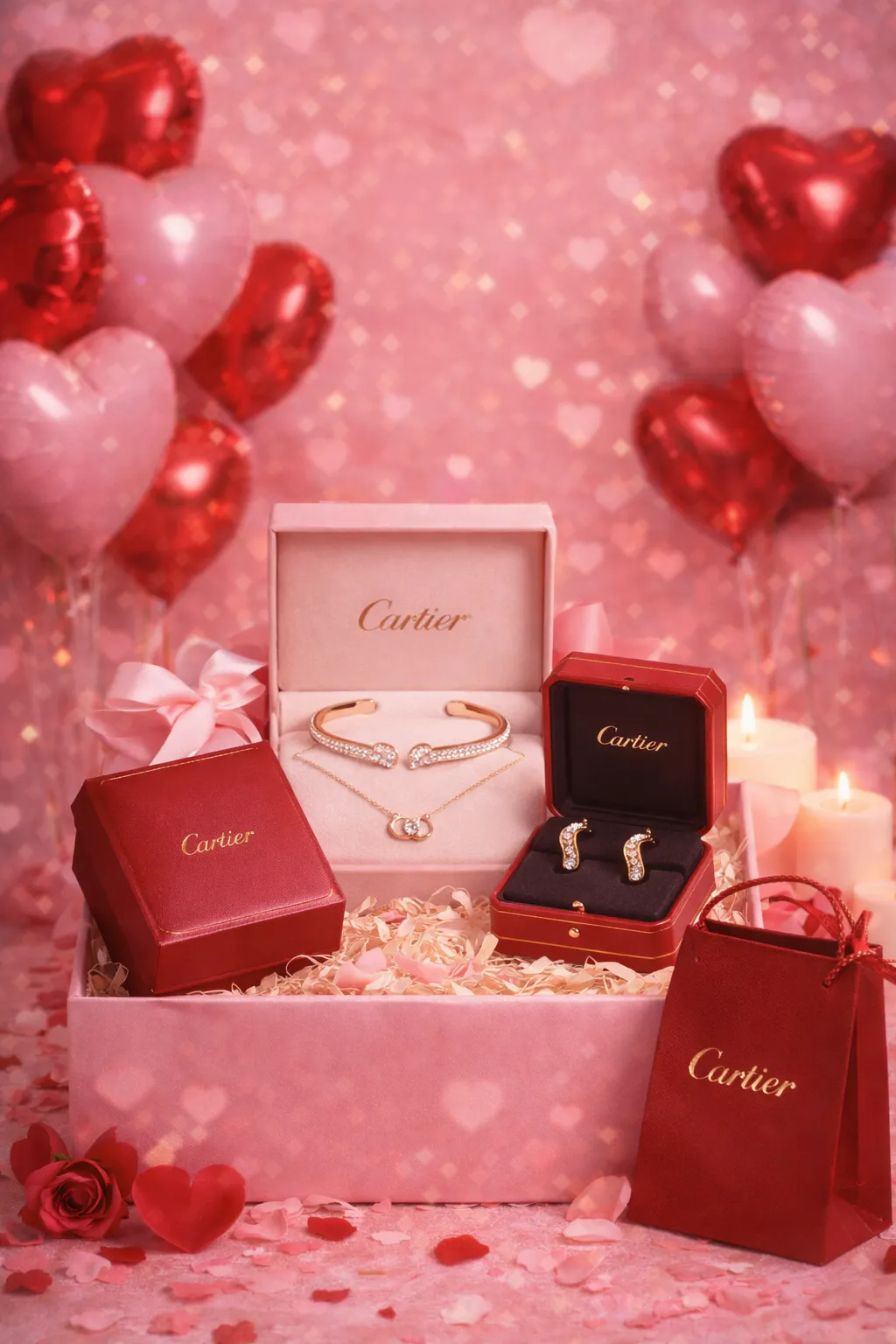
10. Create Gift Bundle Pictures
Sometimes people are clueless and don’t know what to gift their partner on Valentine’s Day. As a brand, you can solve that problem instantly. By visually grouping complementary jewelry pieces, assorted chocolates, body mist collection, date night makeup kit, or a set of the best romance novels, brands can sell more.
Try Blend’s “Lifestyle shots” and showcase your brand’s gift bundles in the most stylish way. This way, the gift bundle appears thoughtful and premium. Also, you can create a collage of products in valentines day theme using DesignGPT.
11. Self-Love Posts
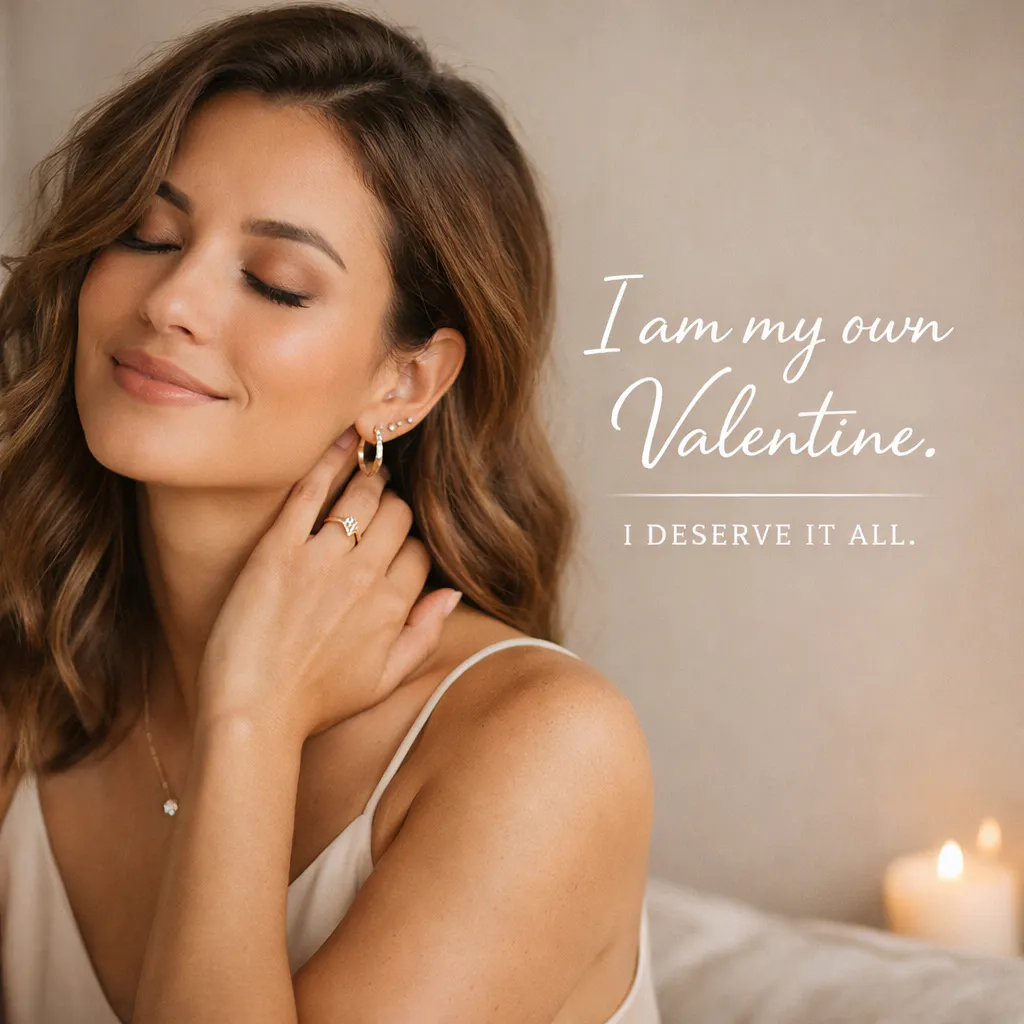
Let’s not forget those who are single this Valentine’s Day and remind them that self-love is the best kind of love. Self-love content doesn’t just perform well. It builds a brand that feels modern, inclusive, and emotionally aware.
Take a look at the picture below, which a jewelry brand could create to highlight the importance of self-love on V-Day. Use Blend’s AI Design or Text Behind Image feature to add short affirmations or empowering quotes without overpowering the visual.
Conclusion
Cupid’s Day is all about creating moments and memories with your partner that will be remembered forever. With AI-powered tools like Blend, bringing creative ideas like Valentine’s Day AI reels to life becomes faster, easier, and more flexible without letting go of quality or brand identity. The key is to focus on emotion, clarity, and experience.