
Blend vs Remove.bg
Remove.bg is a single-purpose background removal tool. Blend is a specialized AI-powered photo studio for model shots, lifestyle pictures, product videos, and batch editing made directly for e-commerce sellers. The difference goes deeper than features. Remove.bg strips your background and pastes the product onto a white or solid color, keeping every flaw from the original photo intact. Blend's Studio Shot corrects lighting, fixes the angle, smooths wrinkles on clothing, and renders realistic shadows so the final image looks like it came from a professional photography setup. When you compare remove.bg vs. BlendNow, one gives you a cutout while the other gives you a finished, sell-ready visual.


Your entire product photography workflow in one platform
See how Blend delivers a complete visual content studio designed for e-commerce compared to Remove.bg's single-feature approach.
| Features |  |  |
|---|---|---|
| Background Removal | ✓ | ✓ |
| AI Backgrounds | Basic | ✓ |
| Studio Shot Quality (lighting, angle, wrinkle correction) | Pastes product as-is onto solid bg | AI fixes lighting, angle, and imperfections |
| Realistic Shadows on Colored Backgrounds | ✕ | ✓ |
| Batch Editing | Limited | ✓ |
| No Prompt Required | ✓ | ✓ |
| AI Models / Virtual Try On | ✕ | ✓ |
| Lifestyle Shots | ✕ | ✓ |
| AI Videos | ✕ | ✓ |
| Logo Maker | ✕ | ✓ |
| Social Media Templates | ✕ | ✓ |
| Social Media Post Scheduler | ✕ | ✓ |
| Free Exports Without Watermark | ✕ | ✓ |
| Export Quality | HD (paid) | HD + Upscale to 4K |
Trusted by sellers across the globe
Read feedback from e-commerce brands who switched to Blend for their visual needs.
 App Store
Necessities Brand
A brand from US
Acerolover
Spain
 Google Play
Diana L Cruz O
Android user · Spain
Keerthana Philip
Founder, Sköl, a beverage brand
Watch how to create with Blend
How does having a dedicated UI help over a chat only UI in nano banana? Watch these videos to see how easy it is.
 ▶
▶How to create lifestyle product photos using AI
Turn boring product photos into stunning lifestyle shots in seconds using AI. Transform simple images into professional, high-converting visuals with Blend. No photoshoots, no expensive setups - just upload your product and let AI create realistic environments, lighting, and compositions that make your products stand out.
Watch Video ▶
▶How to put clothing and jewellery on AI Virtual Models
This video how to place your products on realistic AI virtual models using Blend. Simply upload your product, choose or generate a model, and create stunning, lifelike visuals in minutes.
Watch video ▶
▶How to Create AI Product Videos for Ads and Reels
Want to turn a single product photo into engaging videos for ads, reels, and social media? Transform static product images into dynamic, professional-looking content that captures attention and helps drive more sales across Instagram, TikTok, Facebook, YouTube Shorts, and ecommerce platforms.
Watch VideoWhere Blend pulls ahead for e-commerce
Reasons to choose a full visual content platform like Blend over a single-purpose tool like Remove.bg for your business.
Studio-grade results, not just a background swap
Remove.bg strips the background and drops your product onto a white or colored backdrop. The product itself stays exactly as it was, with every lighting issue, awkward angle, and clothing wrinkle carried over. Blend's Studio Shot works differently. The AI corrects your product's lighting, adjusts the angle, irons out wrinkles on garments, and removes surface imperfections so the final image looks professionally retouched. Colored backgrounds come with natural, realistic shadows that make the product look like it was physically placed and photographed in a studio. For sellers who need Amazon-compliant hero images or clean catalog shots across marketplaces, the quality gap between a raw cutout and a corrected studio shot is the difference between amateur and professional.
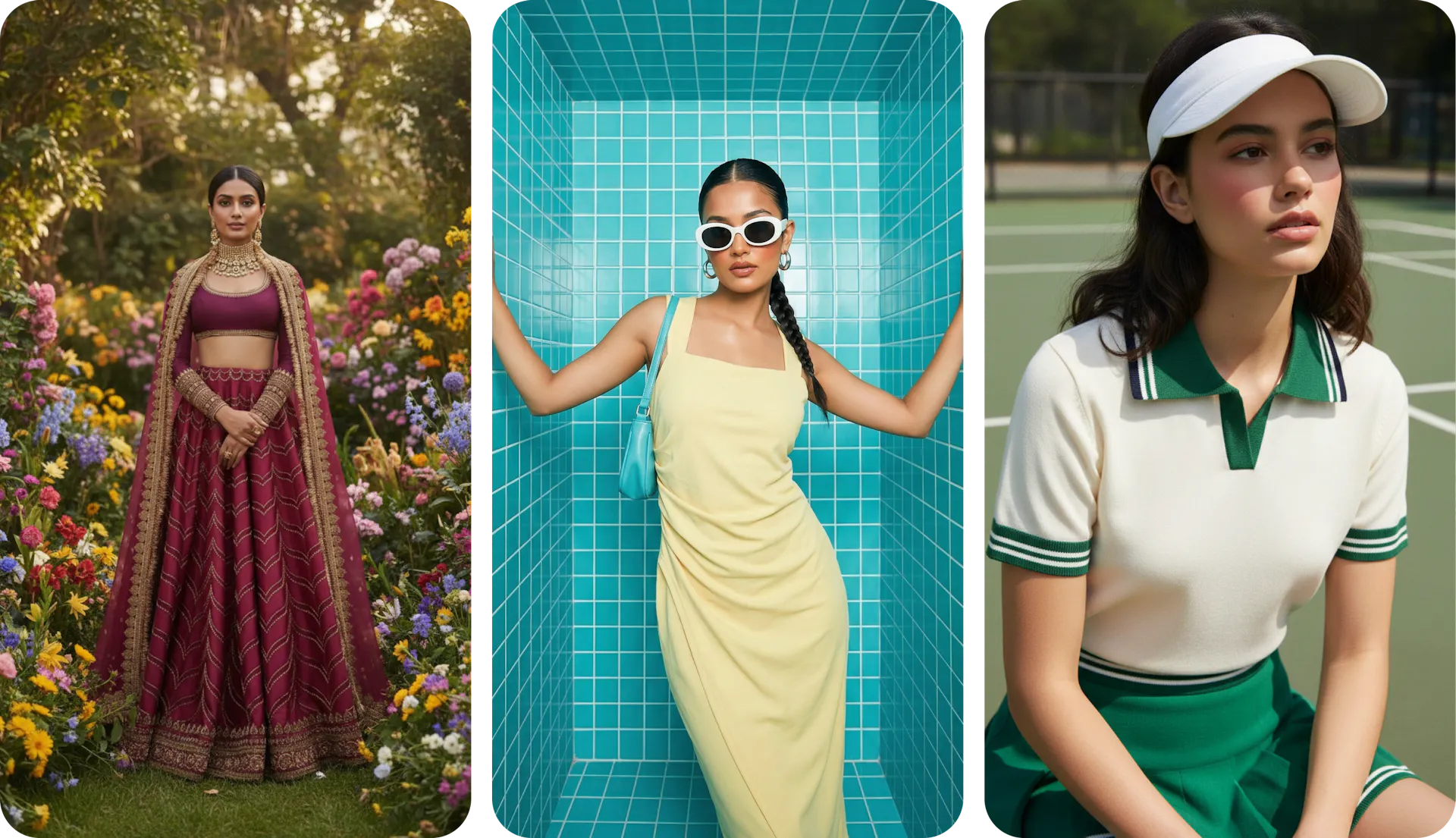
On-model product shots without a photoshoot
Remove.bg can't put your product on a person. Blend's AI model feature generates virtual try-on shots for apparel and accessories without hiring talent or booking a studio. Lock in the same model across your catalog for consistent brand imagery, or create a custom brand ambassador.
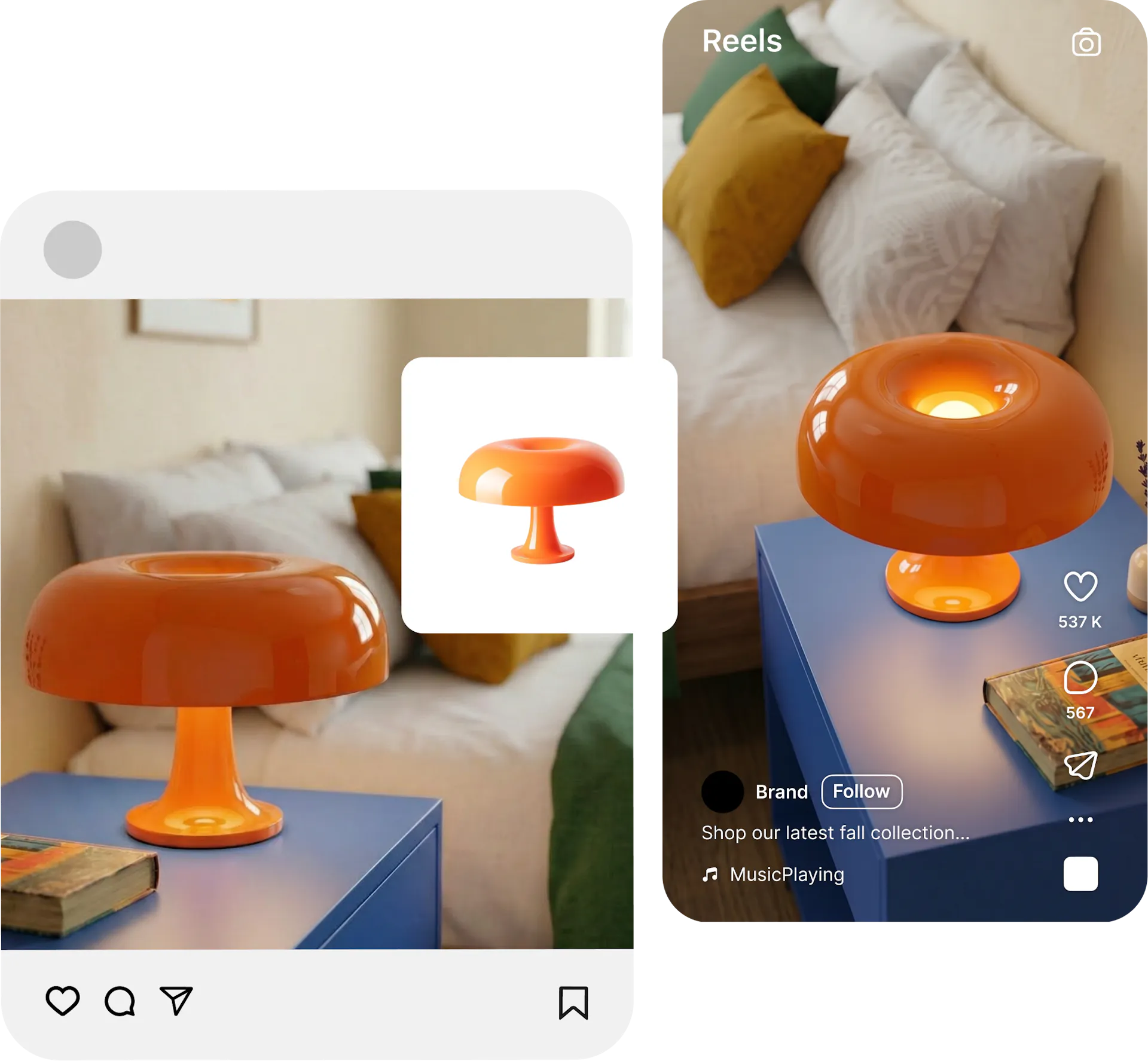
Lifestyle scenes and product videos from one upload
Remove.bg gives you a transparent PNG and stops there. Sellers need what comes next. Blend's lifestyle shot tool places your product in realistic scenes, from kitchen counters to holiday setups, with proper lighting and shadows that match the environment. For video, Blend's AI Video generator creates short-form product clips from your images in minutes, ready for Instagram Reels, product listings, and ad campaigns. Remove.bg has no video capability at all.
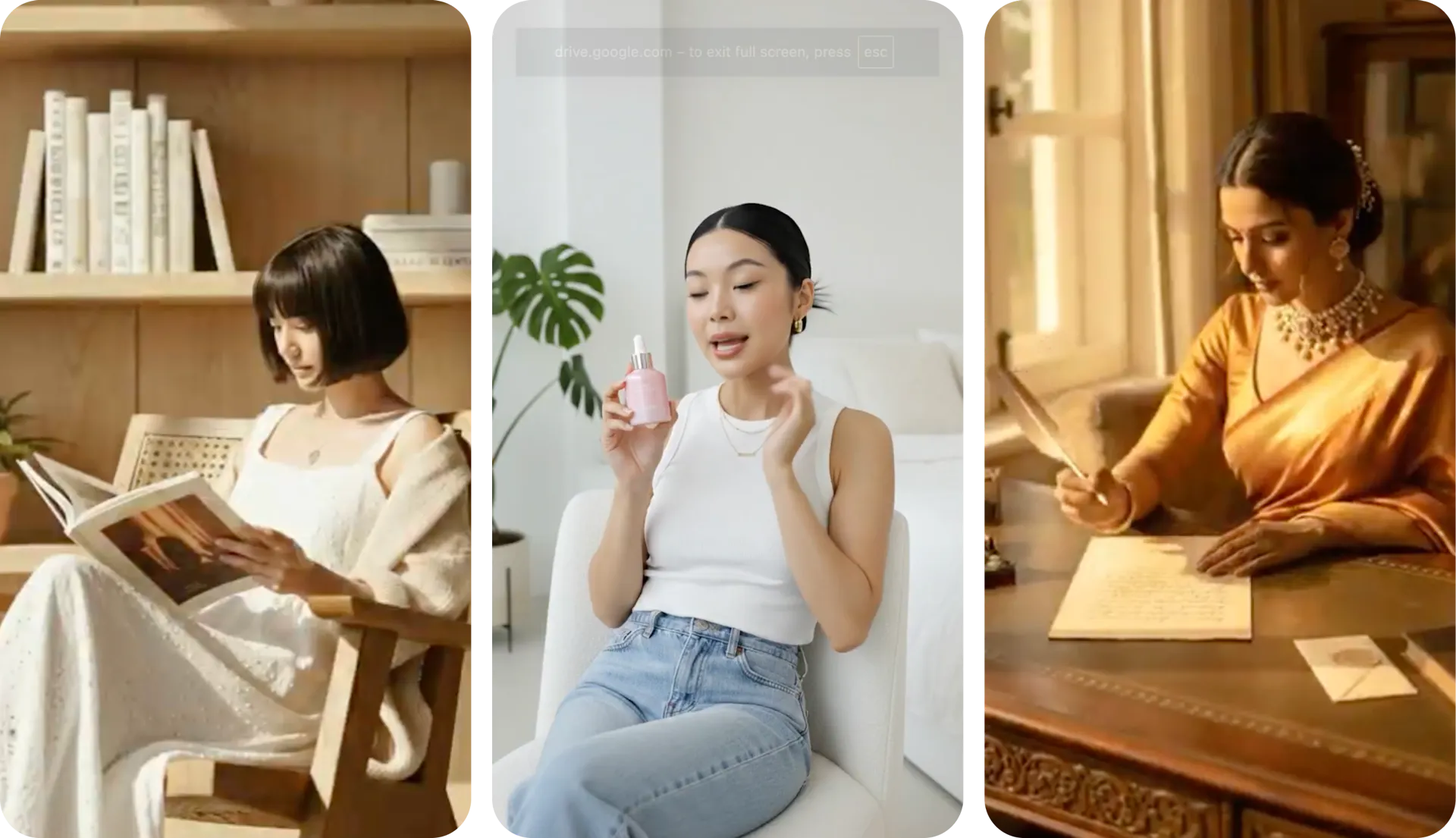
Why Sellers Prefer Blend over Remove.bg
AI tools from AI Model try-on, lifestyle shots, studio shots, and AI reel makers. Remove.bg offers exactly one.
Blend's Studio Shot corrects lighting, fixes angles, and adds realistic shadows. Remove.bg pastes your product as-is onto a flat background.
Free exports on Blend come clean. Remove.bg's free tier limits you to low-resolution previews unusable for live listings.
One Blend subscription replaces Remove.bg plus separate tools for model shots, lifestyle images, and video. For sellers evaluating the best background remover tool for long-term use, bundling saves money.
Frequently Asked Questions
Remove.bg handles one task well, but sellers need more than a cutout. Blend offers background removal plus AI-corrected studio shots, model imagery, lifestyle scenes, and product videos. The studio shot alone sets Blend apart because it fixes lighting and product imperfections rather than just swapping the background.