


If you have ever tried creating a video ad for your product, you know how quickly the process can become overwhelming. You need footage. You need editing software. You need transitions, animations, and enough time to put everything together. By the time you have finished, you have spent hours or even days creating a single video.
Today, you no longer need a production team or advanced editing skills to create professional-looking ads. With AI video ads, you can turn a simple product image into an engaging marketing video in minutes.
You can promote products on TikTok, Instagram, Facebook, or your ecommerce store, AI apps like Blend make it easier to create content that captures attention and encourages clicks. Scroll down and learn how to create AI video ads using Blend to make your ads stand out in crowded social feeds.
How to Create AI Video Ads with Blend
If you are wondering how to create a video ad using AI, Blend makes the process surprisingly simple. You can turn a product photo into a professional marketing video in just a few steps.
Step 1: Open Blend and Select AI Video
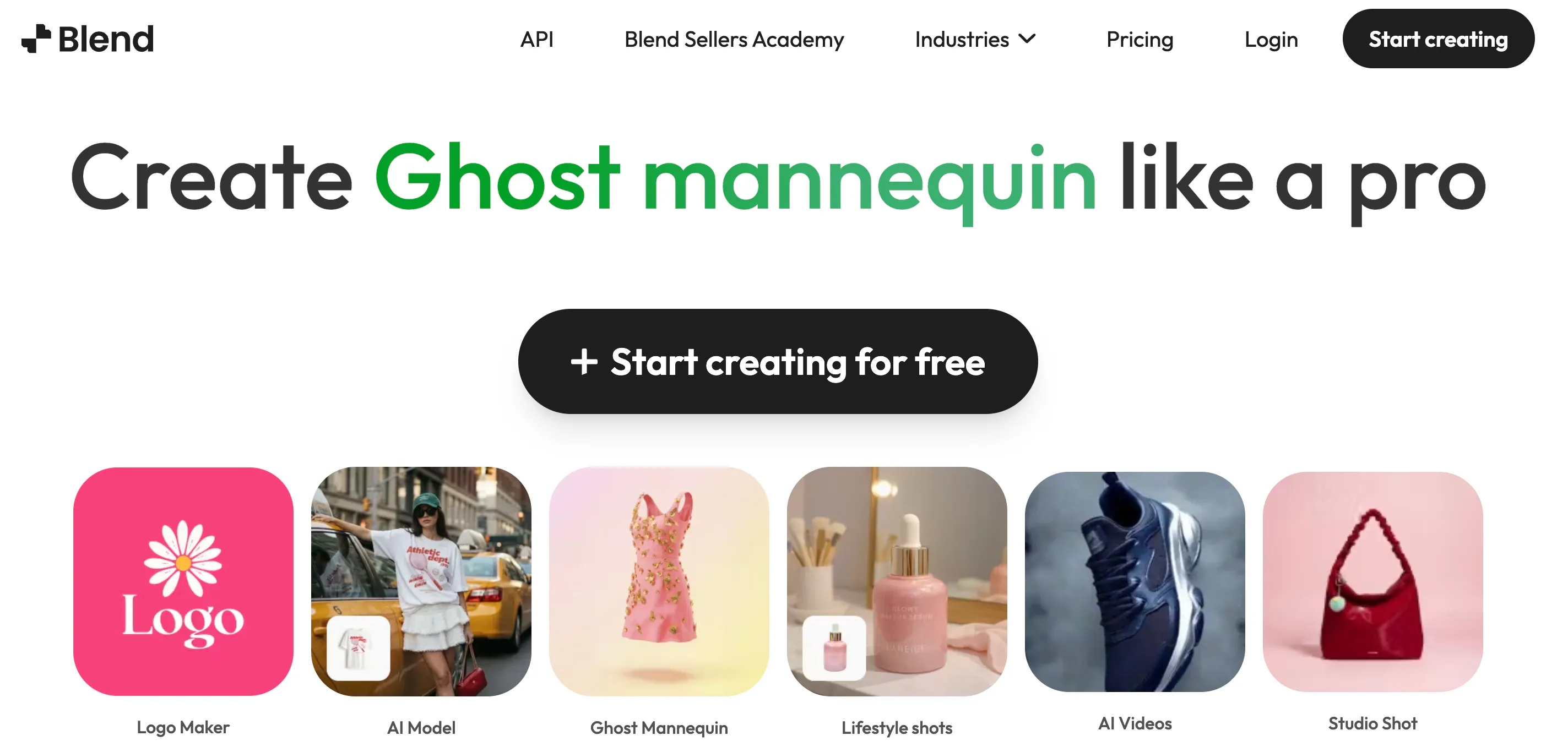
Start by logging into Blend. From your dashboard, select AI Video. This feature is specifically designed to transform product images into dynamic videos with realistic motion and professional visual effects.
Rather than starting from scratch, you are using a workflow built for ecommerce brands, marketers, and content creators.
Step 2: Upload Your Product Image
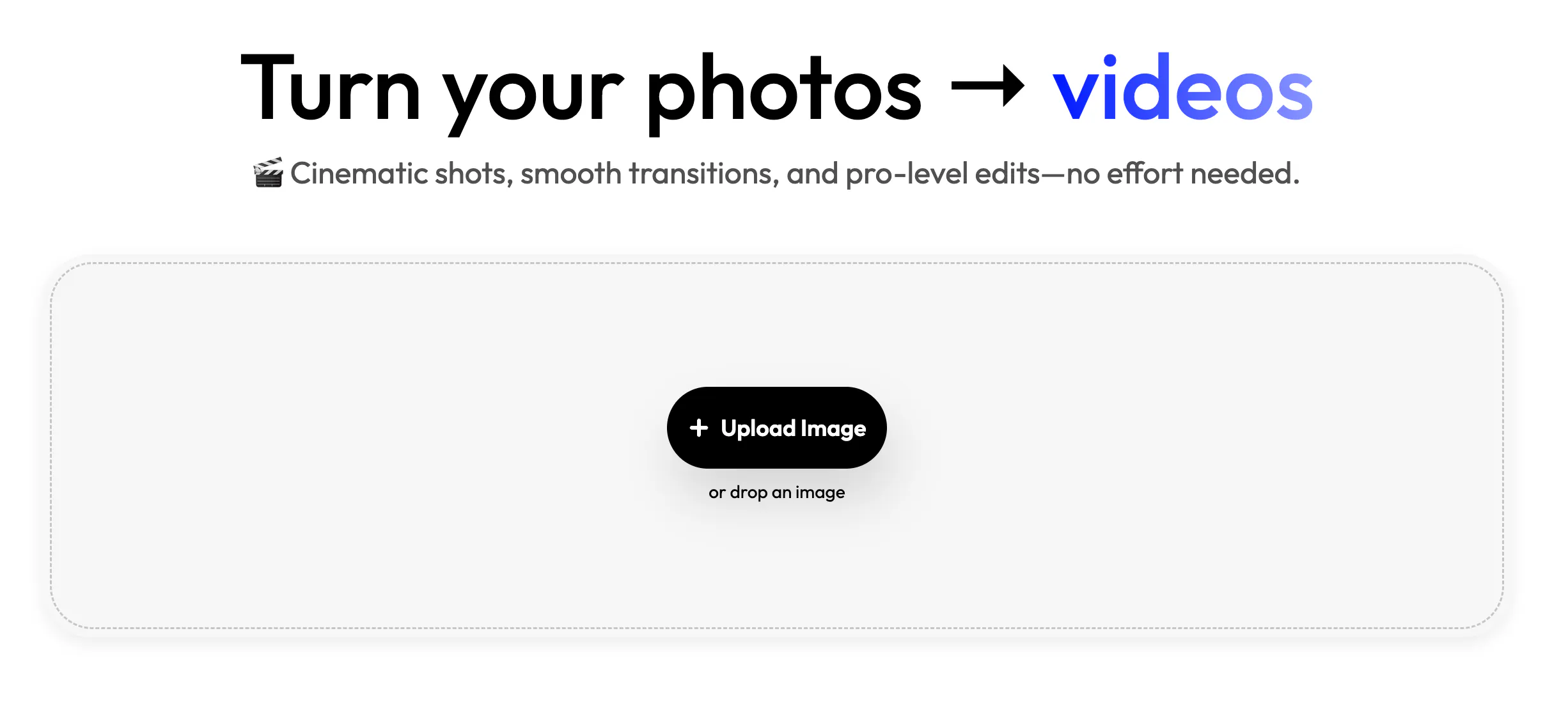
Next, upload the image you want to use. This could be:
- Product photography
- Fashion products
- Jewellery
- Beauty products
- Accessories
- Home decor items
The better your image, the better your final video will look. If you haven't created product images yet, you can use Blend's background removal, AI backgrounds, and studio shot features before moving to video creation.
Step 3: Select a Preset
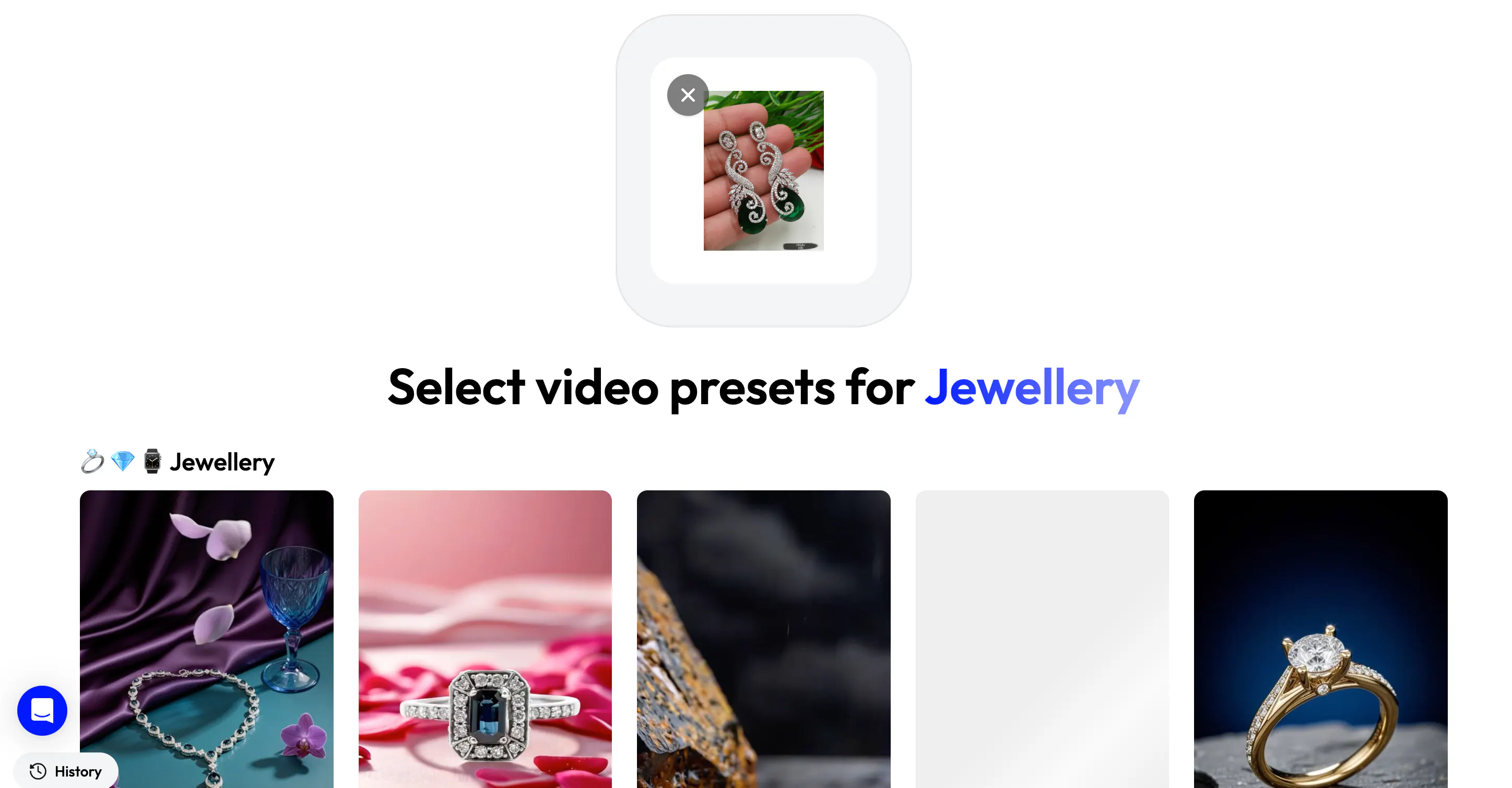
Once your image is uploaded, Blend will recommend presets. Each preset contains professionally designed scenes and animations that help showcase your product in an engaging way. For example, you might find presets for:
- Jewellery
- Fashion
- Cosmetics
- Lifestyle products
Instead of spending time designing scenes yourself, you simply choose the one that matches your brand.
Step 4: Select Starting Frame and Generate Your Video
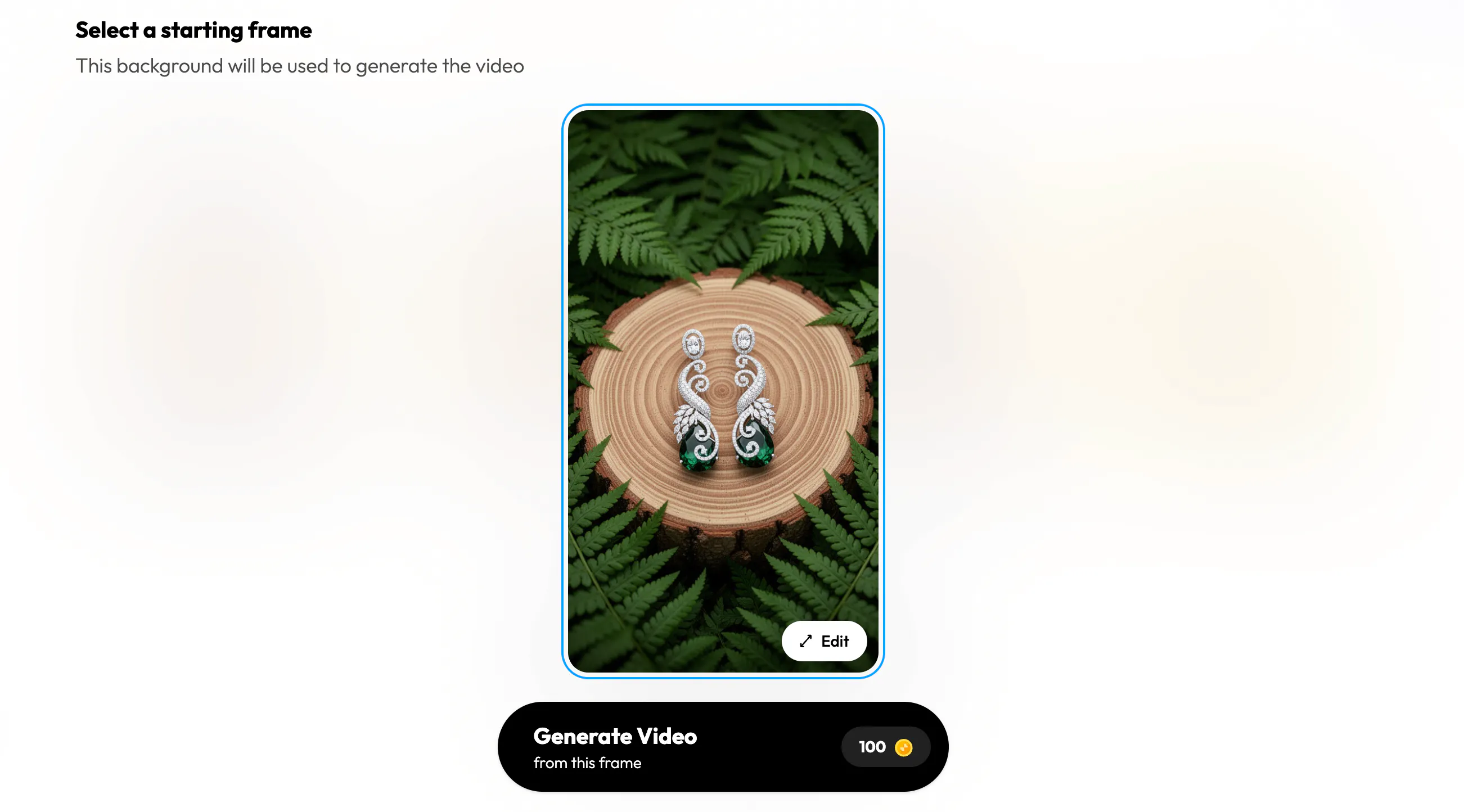
Now you will choose the starting frame for your video. This might seem like a small detail, but it's incredibly important. The opening seconds of your ad determine whether someone keeps watching or scrolls away.
Choose a frame that highlights your product clearly and immediately grabs attention. This is especially important when you create ads for TikTok video with AI because TikTok users decide within seconds whether content is worth watching.
Step 5: Save
Once you are happy with your setup, click Save. Blend will generate your AI video automatically. In just a few moments, you will have a polished video that you can use across:
- TikTok Ads
- Instagram Reels
- Facebook Ads
- YouTube Shorts
- Ecommerce product pages
No complicated editing software required.
AI Video Ad Generator vs Traditional Video Production
Many businesses wonder whether they should invest in traditional video production or use an AI video ad generator. Traditional production offers complete creative control, but it often comes with higher costs and longer timelines.
Traditional Production | AI Video Ad Generator (Blend) |
Higher costs | Lower costs |
Longer turnaround times | Faster creation |
Requires editing expertise | Beginner-friendly |
Limited content output | Easy content scaling |
Complex workflow | Simplified workflow |
For many ecommerce brands and small businesses, AI provides a practical and cost-effective alternative.
Create Ads for TikTok Video with AI
TikTok has changed the way people consume content. Users scroll quickly, and brands have only a few seconds to capture attention. If you are trying to create ads for TikTok video with AI, speed and consistency matter.
With Blend, you can generate multiple video variations from a single product image and test different creative approaches.
This allows you to:
- Publish more frequently
- Experiment with different styles
- Test hooks and visuals
- Identify winning creatives faster
Instead of spending hours creating one ad, you can create several and see what performs best.
What Makes a Good AI Video Ads Maker?
Not all AI video tools are created equal. When evaluating an AI video ads maker, consider the following:
- Ease of Use: You shouldn't need professional editing experience to create videos.
- Speed: The platform should allow you to create content quickly.
- Quality: Generated videos should look polished and professional.
- Creative Flexibility: Look for tools that support different industries, products, and visual styles.
- Social Media Compatibility: Videos should be optimized for platforms like TikTok, Instagram, Facebook, and YouTube.
Blend checks these boxes by providing an easy-to-use AI video workflow designed specifically for marketers, ecommerce brands, and content creators.
Best Practices for Creating AI Video Ads
Creating videos with AI is simple, but a few best practices can help improve performance.
- Start With High-Quality Images: Your final video can only be as strong as the visuals you upload.
- Keep Your Message Focused: Avoid trying to communicate too many ideas in a single ad.
- Grab Attention Quickly: The first few seconds determine whether viewers continue watching.
- Test Multiple Variations: Create different versions to identify what resonates with your audience.
- Optimize for Mobile Viewing: Most social media users watch videos on mobile devices.
- Include a Strong Call-to-Action: Tell viewers exactly what you want them to do next.
Conclusion
AI video ads are transforming the way businesses create marketing content. What once required expensive production resources can now be accomplished with a few clicks and the right AI tools. If you are looking for an easy way to create professional advertising videos, Blend offers a simple workflow that turns static product photos into engaging video content.