


A picture outline maker is a tool that automatically detects the edges of your subject and creates a visible border around it. This border helps separate the object from the background, making the image more visually striking and easier to notice while scrolling.
Modern AI-powered outline tools can identify people, products, food items, pets, accessories, and other objects automatically. Instead of manually drawing selections, the AI isolates the subject and generates smooth outlines within seconds.
This is why creators, brands, and ecommerce sellers increasingly rely on AI-based picture outline generators for everyday content creation. The effect may look simple, but it dramatically changes how professional your content feels.
Let’s take a look at how you can instantly improve your images with Blend and its exquisite Outline feature.
Why Use an Image Outline Generator?
An image outline generator is used to make photos look cleaner, sharper, and more attention-grabbing without requiring advanced editing skills. When you add a visible border around the subject, the tool helps separate it from the background. It makes the image instantly stand out You can use an image outline generator to:
- Create sticker-style graphics
- Highlight product photos
- Improve YouTube thumbnails
- Design social media posts
- Make gaming visuals pop
- Create outlined portraits
- Turn a picture to drawing-style artwork
- Create sketch-inspired edits
Instead of manually tracing objects in complicated software, Blend’s Outline tool automatically generates clean and professional-looking outlines within seconds.
How to Create an Outline Around Your Picture in Blend
Blend makes the outlining process simple with AI-powered editing tools that work in just a few taps.
Step 1: Open the Outline Tool
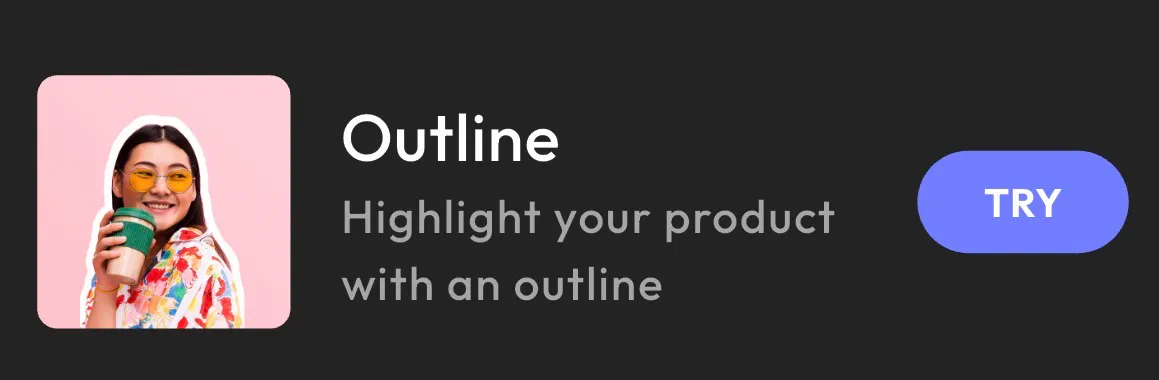
Start by opening Blend and selecting the Outline feature from the editor. This AI-powered picture outline maker instantly prepares your image for outlining by focusing on the main subject.
Whether you are editing a beverage photo, fashion image, beauty product, or portrait, the tool helps you create clean outlines without needing professional editing skills.
Instead of navigating complicated menus, you can begin editing immediately with a beginner-friendly interface designed for quick visual creation.
Step 2: Let Blend AI Detect Your Subject
Once you upload your image, Blend AI automatically identifies the primary object inside the frame. The app intelligently recognizes different categories like:
- Beverages
- Accessories
- Skincare products
- Clothing
- Electronics
- Portraits
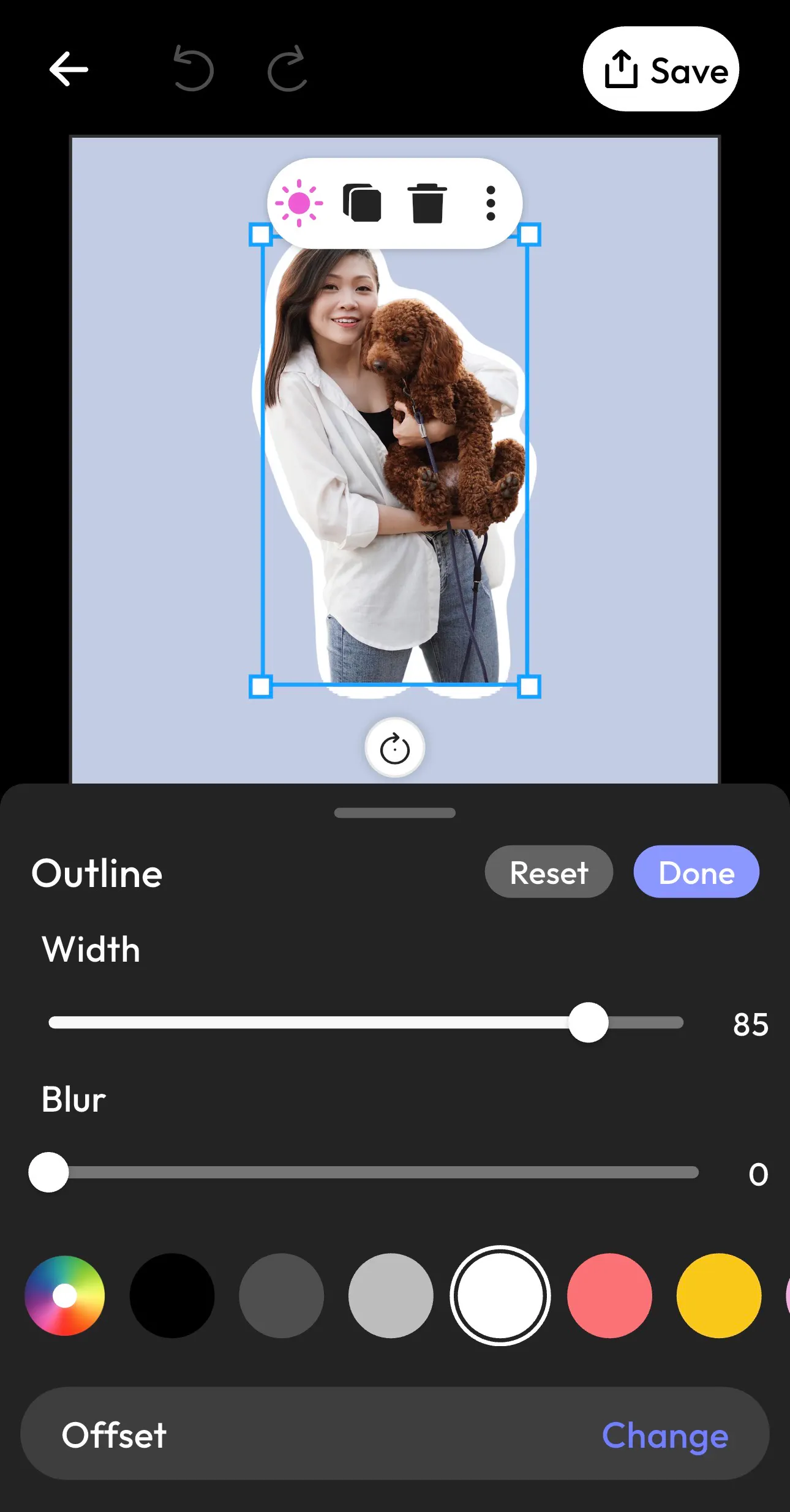
This automatic detection makes the process much faster than manually creating selections in traditional editing software. Finding out how to make an outline of a picture in Photoshop can be time consuming. On the contrary, Blend simplifies the entire workflow by generating accurate cutouts automatically like this:
Step 3: Customize the Outline Effect
After your subject is isolated, you can fully customize the outline effect.
Blend allows you to adjust:
- Outline width
- Blur intensity
- Border softness
- Outline color
- Positioning
A thinner border creates a subtle polished appearance, while thicker outlines produce bold sticker-style visuals commonly used in thumbnails and creator graphics.
You can also experiment with softer blur settings to create glow effects around the subject.
White outlines remain one of the most popular choices because they create strong contrast against colorful backgrounds. However, brighter colors can make social media graphics feel more playful and energetic.
This flexibility makes Blend more than just a basic image outline generator online. It becomes a creative tool for building branded visuals quickly.
Step 4: Enhance Your Image With More Editing Tools
Once your outline is ready, you can make your image look even more polished using Blend's built-in editing tools. These features help you turn a simple outlined photo into a professional-looking design in just a few taps.
You can:
- Add shadows to create depth
- Use reflections for a studio-style effect
- Adjust blur and opacity for a softer look
- Apply filters to enhance colors and mood
- Crop and flip your image easily
- Fix perspective and reposition your subject
- Fine-tune brightness and overall appearance
These extra tools make the picture outline maker much more than a basic outlining feature. Whether you’re editing ecommerce product photos, social media graphics, or creator content, Blend helps you customize every detail without switching between multiple apps.
Step 5: Save and Export Your Final Image
Once your outline looks perfect, simply save and export the final image in high quality. Your outlined graphic is now ready, In just a few taps, you have transformed a regular image into a polished, professional-looking design using an AI-powered picture outline generator.
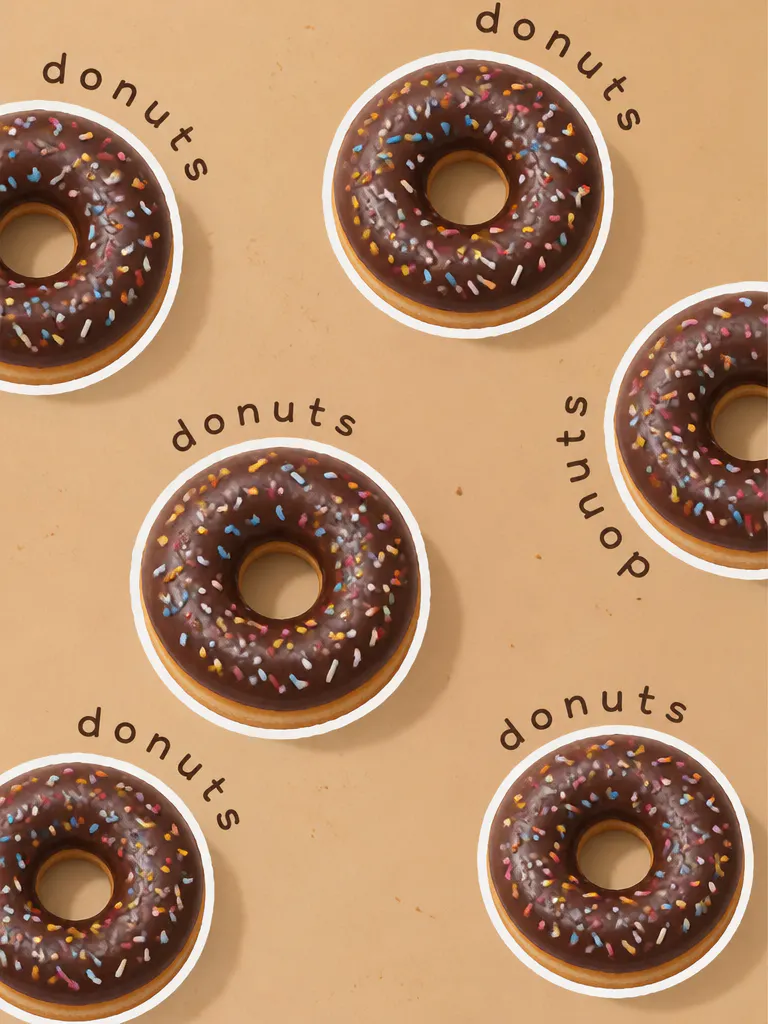
Take a look at some of the image outlines I made using Blend's Outline feature:

Why Outlined Images Get More Attention
Outlined images work because they improve visual hierarchy.
When a border surrounds your subject, your eyes immediately know where to focus. The subject becomes more separated from the background, which increases clarity and contrast.
This is especially important on platforms where users scroll quickly.
For example:
- YouTube thumbnails compete against dozens of other videos.
- Ecommerce listings fight for clicks in crowded marketplaces.
- Instagram posts need to stand out within seconds.
- Ads must capture attention instantly.
A clean outline helps solve all of these problems visually. That’s why many creators use a picture outline generator online even when the original photo already looks good.
Why Blend Is Easier Than Photoshop
Traditional editing software gives you advanced control, but it also introduces complexity.
For beginners, this process can feel overwhelming. Blend removes that hassle completely. Instead of spending 20–30 minutes manually tracing edges, the AI automatically isolates your subject and creates smooth outlines within seconds.
This makes the platform especially useful for small business owners, content creators, ecommerce sellers, marketers, students, and influencers.
Conclusion
Adding this white outline effect to your image can completely up your visual game. If you are ready to create standout visuals without complicated editing workflows, Blend’s powerful image outline generator gives you everything you need in just a few taps. Go ahead and turn your everyday images into stunning YouTube thumbnails and stickers.
FAQs
Can I make an outline of a picture online for free?
Yes. Many AI-powered tools allow you to create outlined images directly online without downloading complicated software.
What is the easiest way to outline a picture?
Using an AI-powered picture outline generator is the fastest method because the software automatically detects and isolates your subject.
Can I turn a photo into a sketch using outline tools?
Yes. Many modern AI tools combine outline effects with sketch and drawing-inspired filters to create artistic edits.
Do I need Photoshop to create outlines?
No. Tools like Blend simplify the process by automating subject detection and outline generation.
What types of photos work best?
Portraits, product photos, beverages, fashion accessories, pets, and high-contrast images usually produce the cleanest outlines.