
Blend vs Pixlr
Pixlr is a browser-based photo editor with AI-powered filters, background removal, and design templates. Blend is a specialized AI-powered photo studio for model shots, lifestyle pictures, and batch editing made directly for e-commerce sellers, while Pixlr provides general photo editing better suited for casual edits and social media graphics. Focus on sales, leave product photos to us!


Your entire product photography workflow in one platform
See how Blend delivers a complete, structured product photography platform designed for your catalog needs compared to Pixlr's general editing tools.
| Features |  |  |
|---|---|---|
| Background Removal | ✓ | ✓ |
| AI Backgrounds | ✓ | ✓ |
| Batch Editing | ✕ | ✓ |
| No Prompt Required | ✓ | ✓ |
| AI Chat | ✕ | ✓ |
| Dedicated UI | Fragmented | ✓ |
| Export Quality | HD | HD + Upscale to 4K |
| AI Models / Virtual Try On | ✕ | ✓ |
| Lifestyle Shots | ✕ | ✓ |
| Studio Shots | ✕ | ✓ |
| AI Videos | ✕ | ✓ |
| Product Templates | ✓ | ✓ |
| Social Media Post Scheduler | ✕ | ✓ |
Trusted by sellers across the globe
Read feedback from e-commerce brands who switched to Blend for their visual needs.
 App Store
Necessities Brand
A brand from US
Acerolover
Spain
 Google Play
Diana L Cruz O
Android user · Spain
Keerthana Philip
Founder, Sköl, a beverage brand
Watch how to create with Blend
How does having a dedicated UI help over a chat only UI in nano banana? Watch these videos to see how easy it is.
 ▶
▶How to create lifestyle product photos using AI
Turn boring product photos into stunning lifestyle shots in seconds using AI. Transform simple images into professional, high-converting visuals with Blend. No photoshoots, no expensive setups - just upload your product and let AI create realistic environments, lighting, and compositions that make your products stand out.
Watch Video ▶
▶How to put clothing and jewellery on AI Virtual Models
This video how to place your products on realistic AI virtual models using Blend. Simply upload your product, choose or generate a model, and create stunning, lifelike visuals in minutes.
Watch video ▶
▶How to Create AI Product Videos for Ads and Reels
Want to turn a single product photo into engaging videos for ads, reels, and social media? Transform static product images into dynamic, professional-looking content that captures attention and helps drive more sales across Instagram, TikTok, Facebook, YouTube Shorts, and ecommerce platforms.
Watch VideoWhere Blend pulls ahead for e-commerce
Reasons to use a dedicated e-commerce studio like Blend over a general-purpose photo editor like Pixlr for your business.
Product visuals that sell, not just edits that look nice
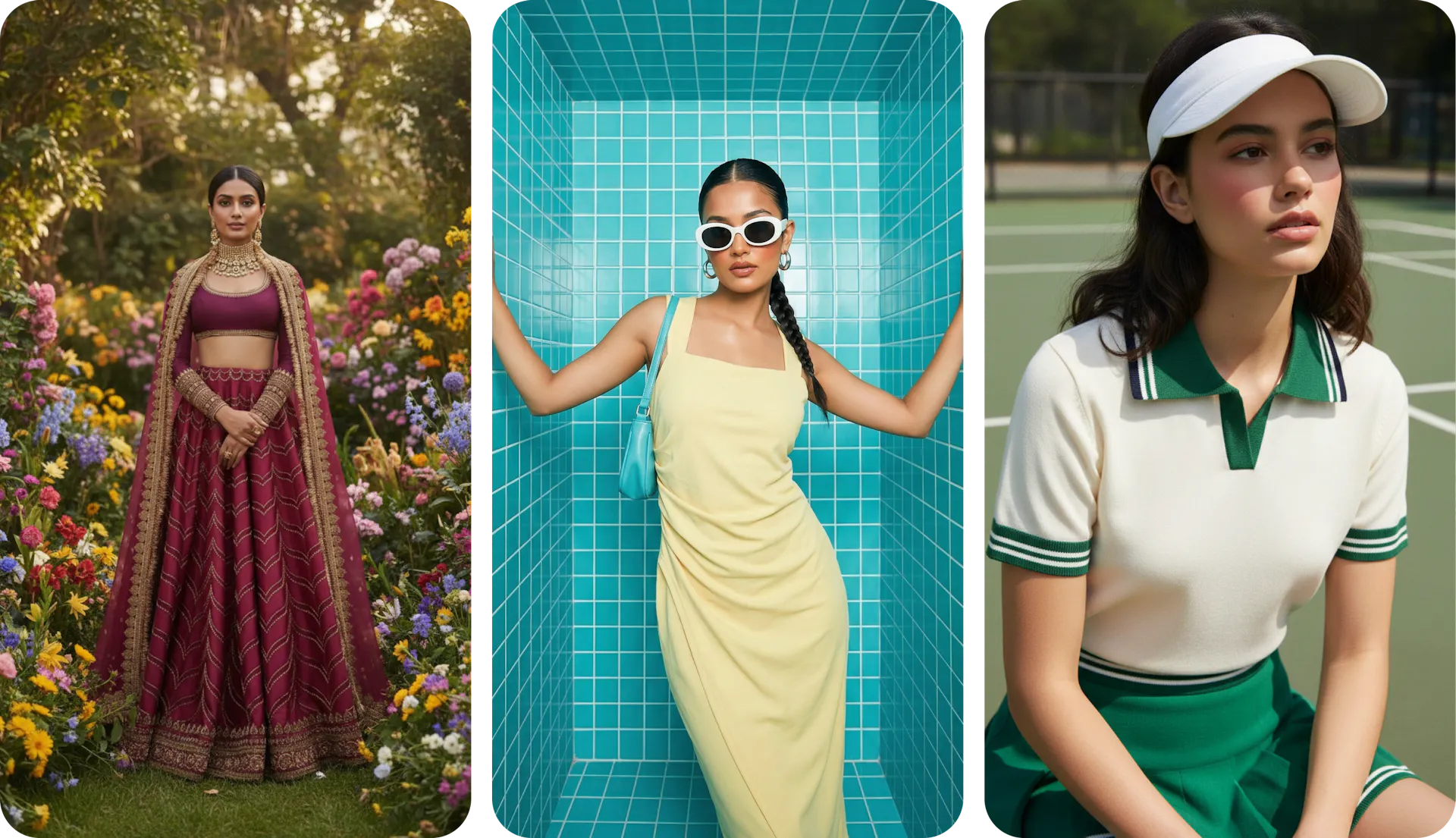
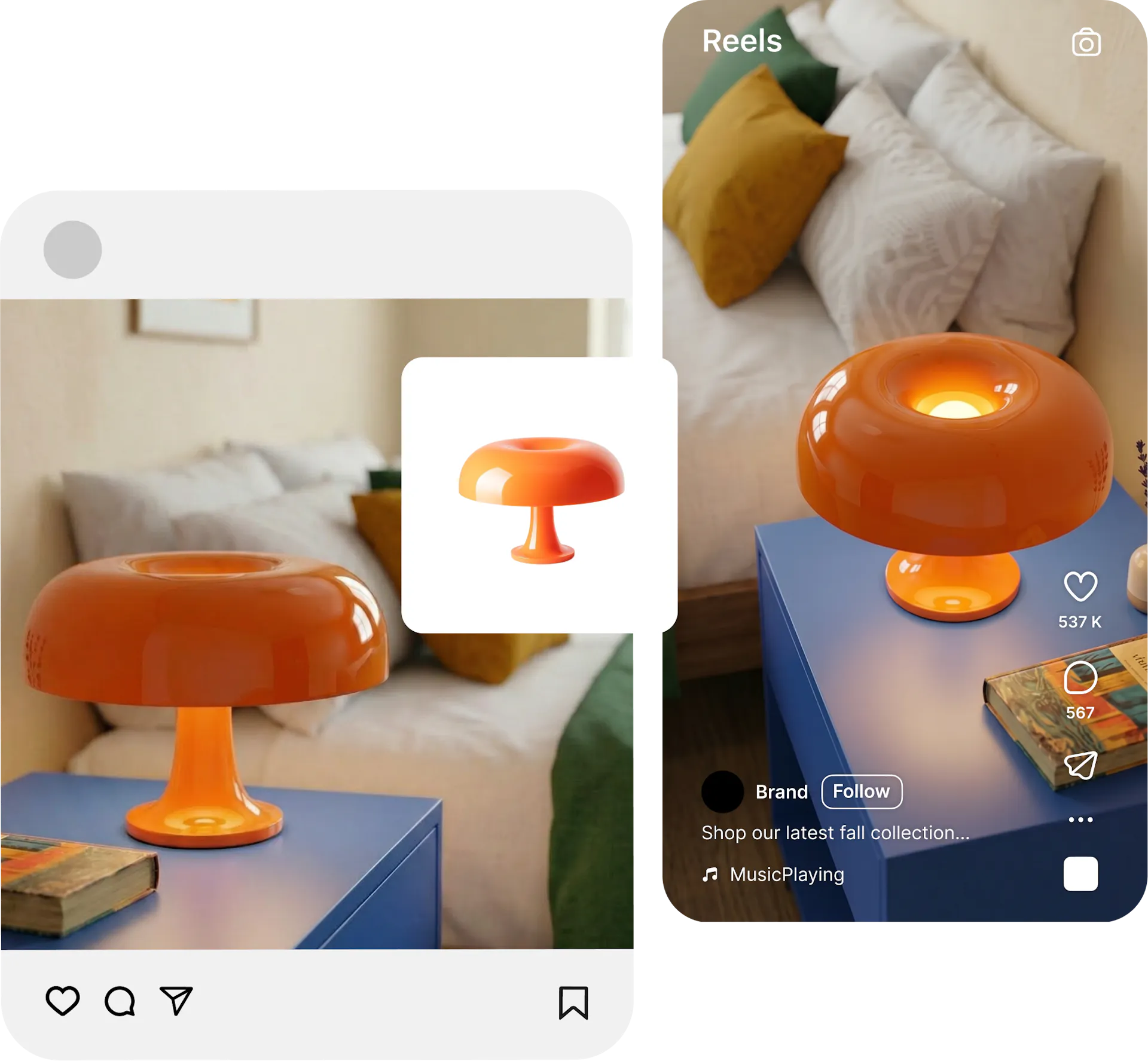
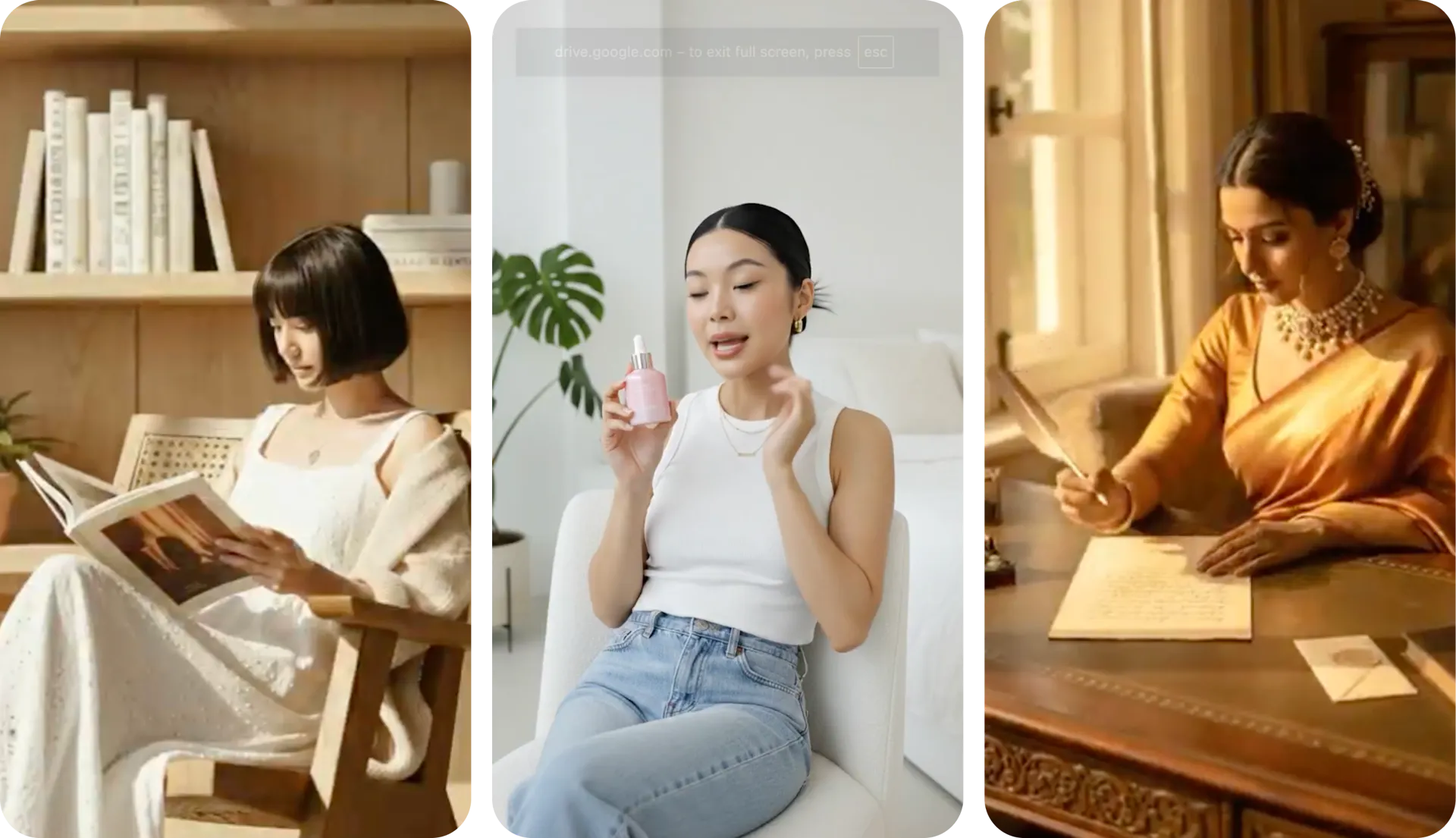
Pixlr is great for touch-ups, filters, and basic design. But creating model shots, lifestyle scenes, and product videos from a single image is outside its feature set. Blend goes beyond editing. Upload a product photo and generate virtual model try-ons, lifestyle images, studio shots, and short-form videos in one platform.
One unified workspace, no app switching
Pixlr splits functionality across Pixlr X for quick design and Pixlr E for layer-based editing. Switching between tools breaks the workflow. Blend keeps everything in a single workspace, so you move from background removal to model shots to video creation without leaving the platform.
AI credits that keep up with your catalog
Pixlr's free plan offers limited AI credits with ads on every page. Even Premium caps you at 1,000 monthly credits. For sellers processing large catalogs, that ceiling arrives fast. Blend bundles all AI tools together without per-action credit limits.
Why Sellers Prefer Blend over Pixlr
better success rate. Blend's product-focused workflows produce the right visual faster than Pixlr's fragmented editor setup. Time saved is money made.
existing ideas from other users to inspire from. No more starting from a blank canvas wondering what to create.
AI tools from AI Model try on, lifestyle shots, studio shots, and AI reel makers.
more value per dollar for product visuals compared to Pixlr Premium, even with Blend's MAX plan covering video, models, and lifestyle shots.
Frequently Asked Questions
Pixlr handles general photo editing and basic AI features. Blend is a full AI design studio with AI model try-on, lifestyle shots, studio images, product videos, and workflows designed to create visuals that convert.