
Easily remove objects, text, logos, watermarks, people, and more in seconds.

or drop an image
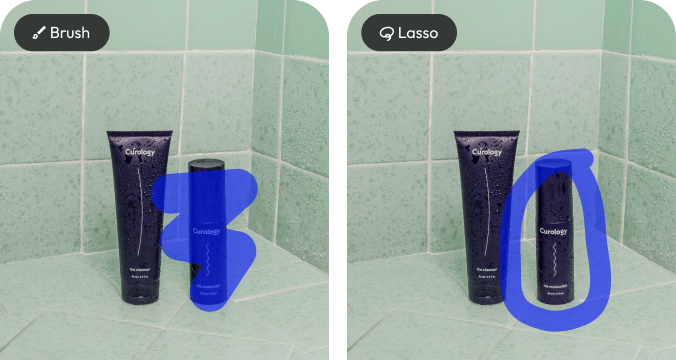
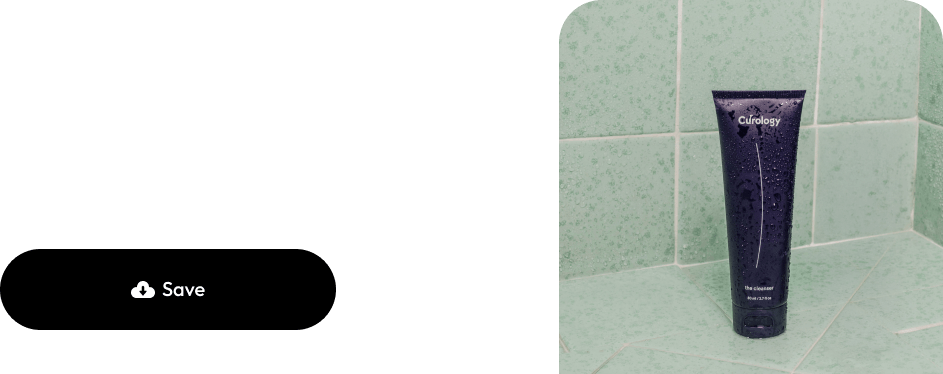
Edit people out of photos, along with objects, text, logos, and watermarks, in seconds. Scribble over what you want gone, and Blend's AI fills in the background naturally.
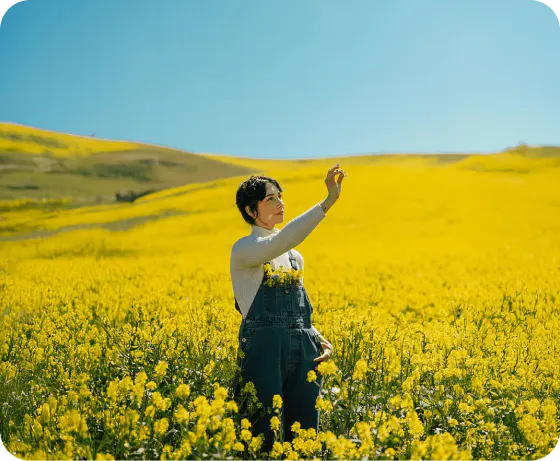
Adjust the brush size & control exactly how you scribble. Want more accuracy? Switch seamlessly between the Scribble Brush and Lasso Tool for perfect object removal every time.
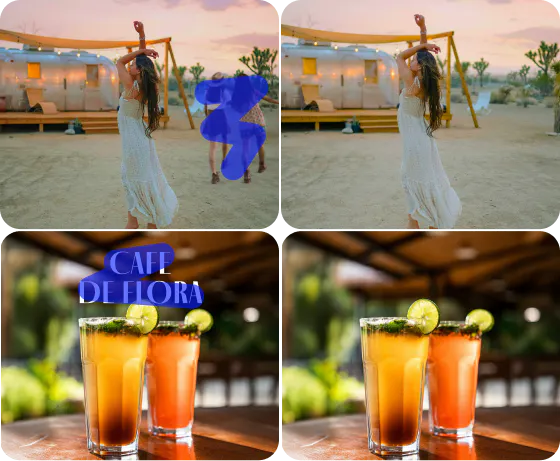
Erase photobombers, logos, text, or watermarks effortlessly. Just scribble or circle it, and watch it vanish seamlessly.
Blend's Magic Eraser lets you remove unwanted people from photos in just a few clicks. Upload your image, highlight the person you want to remove, and let the AI fill the background naturally, no advanced photo editing skills required.
Upload your photo to Blend's Magic Eraser, then use the Lasso or Scribble tool to mark the person you want gone. Blend's AI removes them and fills the background naturally, no advanced editing skills needed. This works for photobombers, strangers in travel shots, or anyone you want out of a group photo.
Blend's Magic Eraser makes it easy to remove photobombers and unwanted people from photos. Simply mark the person with the Lasso or Scribble tool, and the AI edits the selected area for you.
Yes. You can highlight multiple unwanted people before applying the edit. This is useful for group photos, travel pictures, and crowded backgrounds.
Blend's Magic Eraser can also remove objects, text, logos, watermarks, and other unwanted distractions from your images using the same editing workflow.
Blend provides two selection tools: Lasso for outlining a person or object and Scribble for brushing over more detailed or overlapping areas before removing them.