
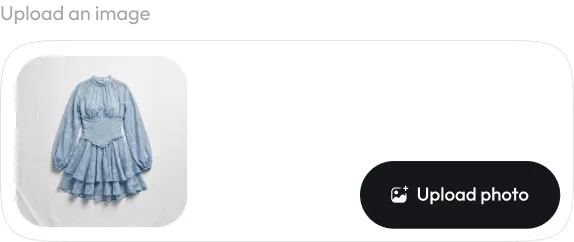
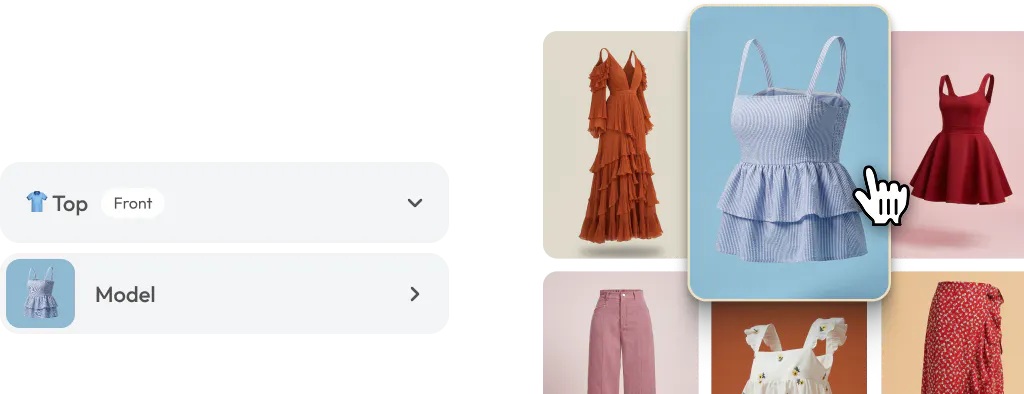
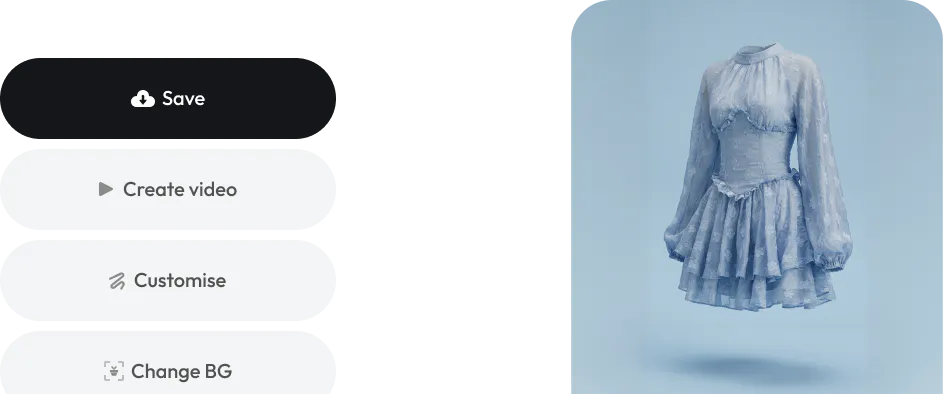
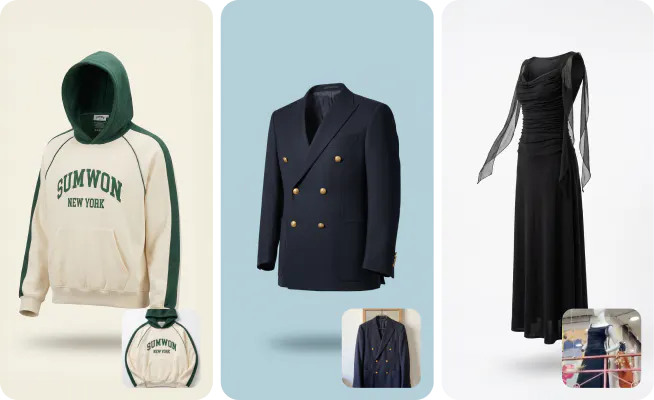
Turn cluttered apparel images into crisp, professional ghost mannequin visuals that highlight fit, shape, and details, perfect for eCommerce.
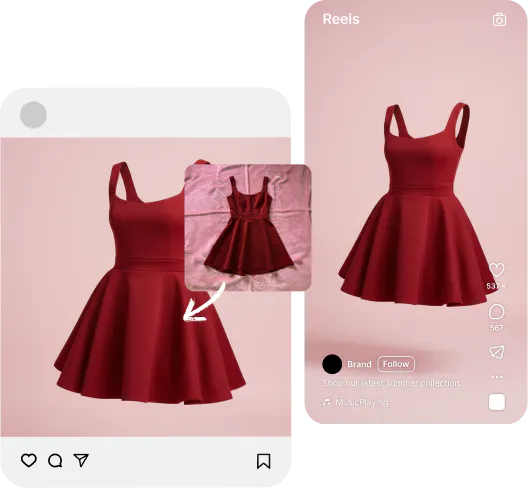
Eliminate the need for mannequins, models, or studio setups. Instantly generate hollow-man images at a fraction of the cost, no reshoots, no hassle.
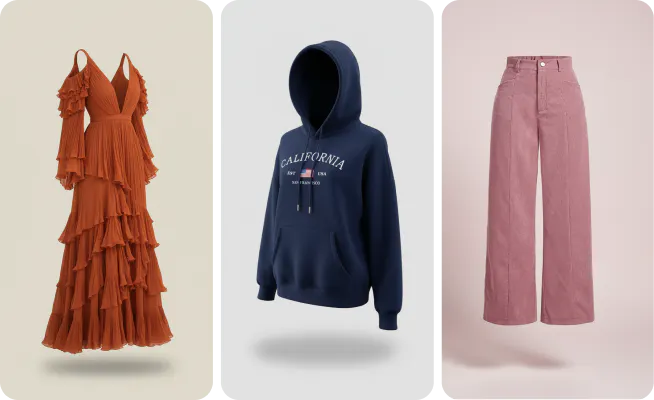
From t-shirts & jackets to dresses and bottom wear, create consistent, high-quality ghost mannequin images across your entire catalog. Choose the background color that you would like, modify the angles to break the pattern or create 360 degree shots.
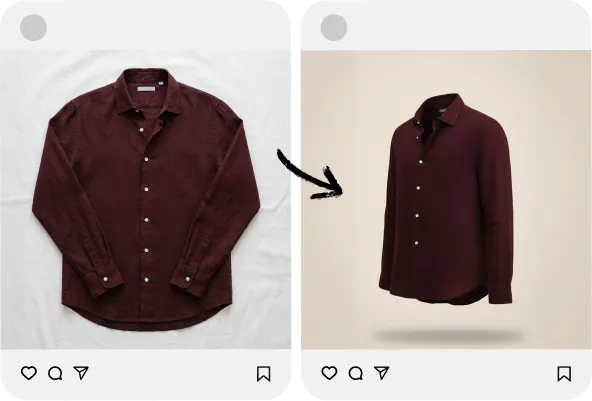
Clean, distraction-free images build trust and improve click-through rates. Let your product speak for itself, and drive more sales effortlessly.
From AI models to studio shots, Blend gives you a complete visual toolkit to create studio-quality images at a fraction of the cost.
Generate realistic AI product backgrounds or studio scenes instantly, no photoshoot required.
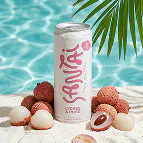
Turn your products into lifestyle images by placing them in real life scenes.
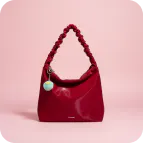
Create clean, minimal studio-quality product photos with perfect lighting and shadows.
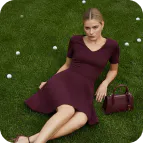
Showcase clothing and jewellery on diverse AI-generated models. See your apparel on real body types without costly model shoots.
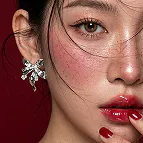
Showcase how your earring, necklace & bracelet look when worn. Drive conversions with realistic jewellery try-on visuals.
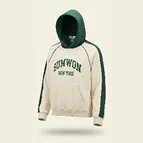
Create clean, professional ghost mannequin images (invisible mannequin effect) for clothing. Perfect for marketplaces like Amazon & Shopify.
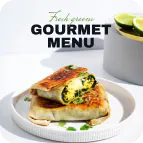
Generate complete marketing creatives, banners, and product visuals using simple text prompts.
Design a unique, AI-generated logo for your brand in seconds.
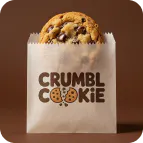
Place your logo on realistic product mockups like t-shirts, mugs, billboards, hoodie & more.
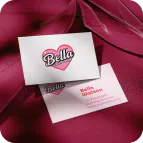
Design premium, print-ready business cards that reflect your brand identity. Professional results in seconds.
Create animated logo reveal videos for social media, presentations, & brand introductions.
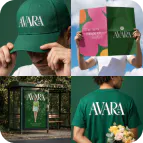
Just enter your email and we’ll send a ZIP with your mockups, logo reveal video, business card and logo.
Bring your products to life with AI video. Create motion content for reels, ads, & listings without a video production budget.
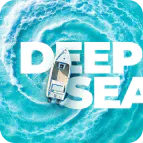
Layer text seamlessly behind product subjects for editorial-style social graphics and ads that stop the scroll.
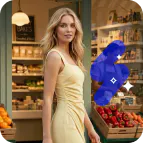
Remove unwanted objects, props, watermarks, or distractions from any product photo with surgical precision.
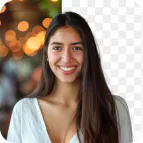
Instantly erase any background from product photos with one click. Get clean, transparent, studio-quality cutouts.
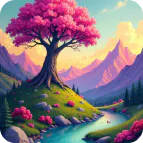
Create any image, backgrounds, & brand imagery from scratch using AI. Ideal for concept testing & mood boards.
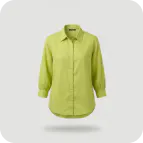
Digitally remove creases & wrinkles from garments in product photos for a clean, pressed, retail-ready look.
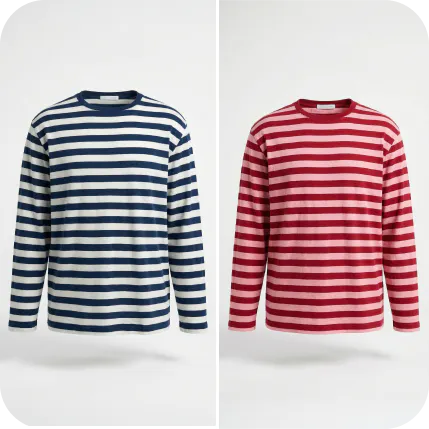
Visualize your product in every color instantly. Generate color variants of apparel, accessories, or products for listings.
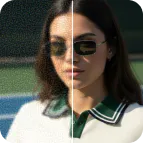
Enhance low-resolution product photos into high-definition, print-ready images. Recover detail, sharpness, & quality.
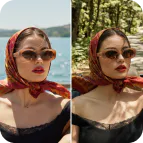
Swap backgrounds, change colors, add elements, or refine details of your product photo using a simple prompt.
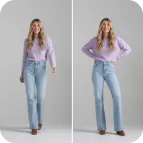
Change poses of your AI models to showcase the perfect fit angle, without reshooting. Ideal for high-volume fashion catalogues.
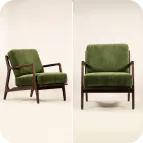
Generate multiple product angles from a single photo. Show your product from every perspective customers want to see.
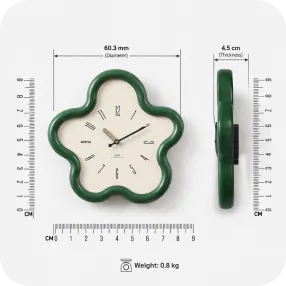
Display exact product dimensions with a visual scale directly on your product image.
Ghost mannequin AI Model works best with Clothing image. Both male and female clothing works, along with kids (or even toddlers). It could be top wear, bottom wear or a Dress/suite.
You do not need a professional photo as input here. Ensure that your environment is lit with white light or natural light, lay out your clothing in front of you on a flat surface or if you already have a mannequin (works amazing!), pull out your smartphone and click a photos. Ensure you turn off any filters in your camera app so that the accurate colors are preserved. Clothes should be covered from edge to edge. Best to take a photo from the top if using the product is laid flat. If it is on a mannequin then take it from the front, this avoid any kind of distortion in size.
Yes, you can. AI Models allows you to choose front/back view when you select a model. After generating an image, you can even further modify the pose/angle. You would also get an option to add more images that focuses on the detail of that particular area.
You can use the customize option to change the color to whichover color that you want. Want an environment/scene instead? Just type that in. Our AI will adapt to your requirements
With Blend PRO, you can create 100 photos every month, and with Blend MAX, you can create 300 photos every month. With MAX, you also have to option to buy more credits so that you can create more.