
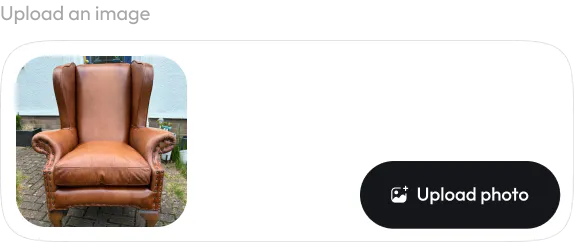
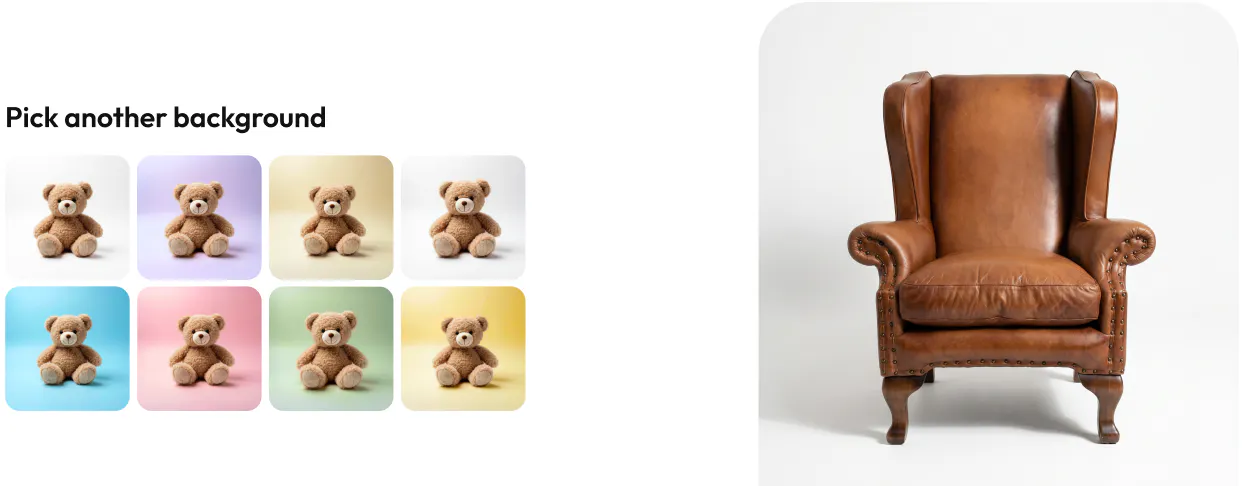
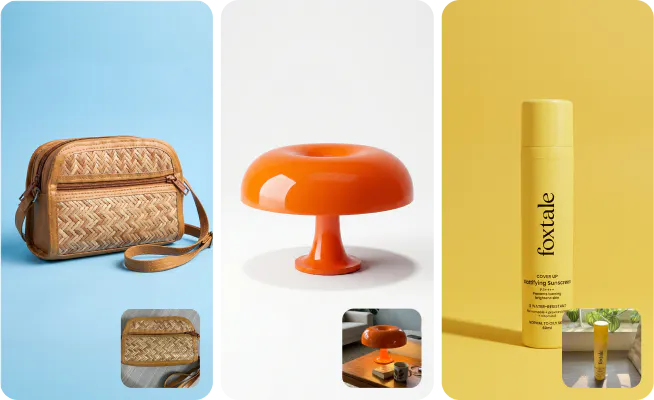
Turn cluttered product images into crisp, professional studio shots that highlight color, shape, textures, perfect for eCommerce.
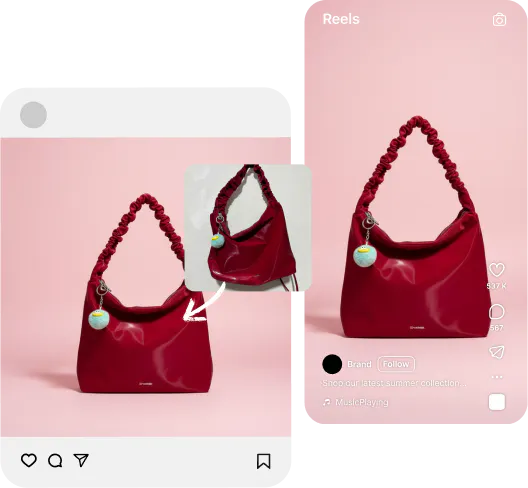
Eliminate the need for professional photographers, or studio setups. Instantly generate studio-quality shots at a fraction of the cost, no reshoots, no hassle.
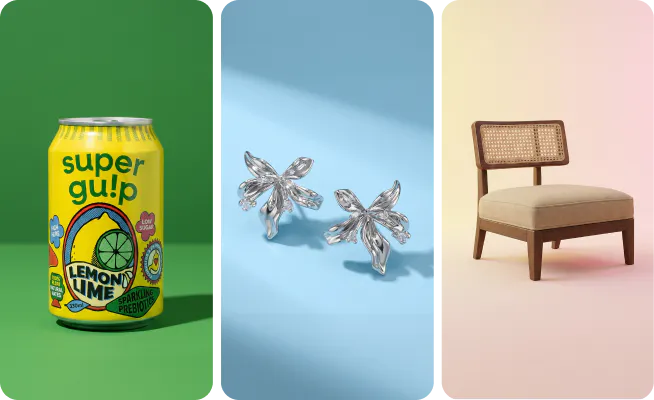
From cosmetics & accessories to furniture and food, create consistent, high-quality studio images across your entire catalog.
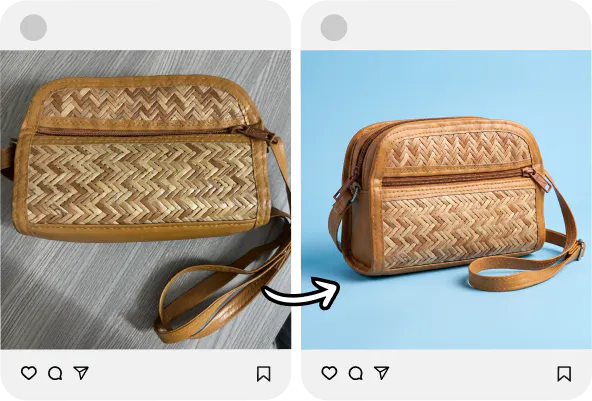
Clean, distraction-free images build trust and improve click-through rates. Let your product speak for itself, and drive more sales effortlessly.
From AI models to studio shots, Blend gives you a complete visual toolkit to create studio-quality images at a fraction of the cost.
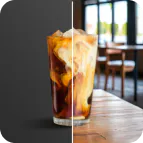
Generate realistic AI product backgrounds or studio scenes instantly, no photoshoot required.
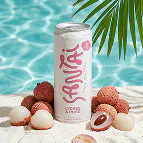
Turn your products into lifestyle images by placing them in real life scenes.
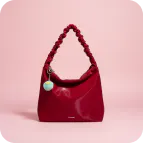
Create clean, minimal studio-quality product photos with perfect lighting and shadows.
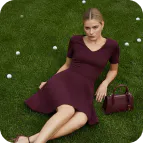
Showcase clothing and jewellery on diverse AI-generated models. See your apparel on real body types without costly model shoots.
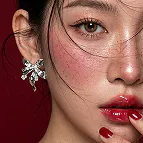
Showcase how your earring, necklace & bracelet look when worn. Drive conversions with realistic jewellery try-on visuals.
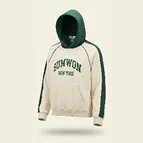
Create clean, professional ghost mannequin images (invisible mannequin effect) for clothing. Perfect for marketplaces like Amazon & Shopify.

Generate complete marketing creatives, banners, and product visuals using simple text prompts.
Design a unique, AI-generated logo for your brand in seconds.

Place your logo on realistic product mockups like t-shirts, mugs, billboards, hoodie & more.
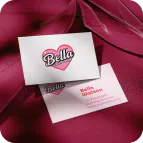
Design premium, print-ready business cards that reflect your brand identity. Professional results in seconds.

Create animated logo reveal videos for social media, presentations, & brand introductions.
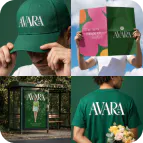
Just enter your email and we’ll send a ZIP with your mockups, logo reveal video, business card and logo.

Bring your products to life with AI video. Create motion content for reels, ads, & listings without a video production budget.

Layer text seamlessly behind product subjects for editorial-style social graphics and ads that stop the scroll.

Remove unwanted objects, props, watermarks, or distractions from any product photo with surgical precision.

Instantly erase any background from product photos with one click. Get clean, transparent, studio-quality cutouts.

Create any image, backgrounds, & brand imagery from scratch using AI. Ideal for concept testing & mood boards.
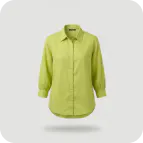
Digitally remove creases & wrinkles from garments in product photos for a clean, pressed, retail-ready look.
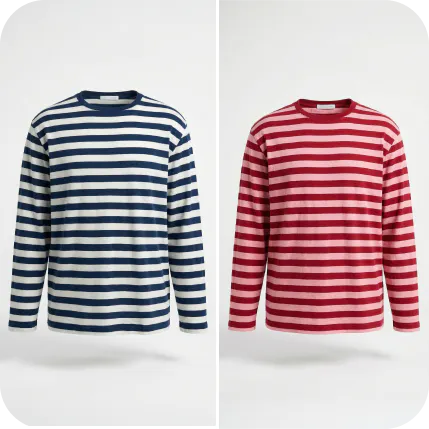
Visualize your product in every color instantly. Generate color variants of apparel, accessories, or products for listings.
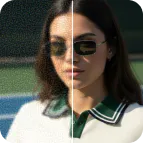
Enhance low-resolution product photos into high-definition, print-ready images. Recover detail, sharpness, & quality.
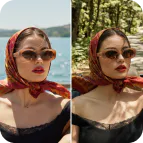
Swap backgrounds, change colors, add elements, or refine details of your product photo using a simple prompt.
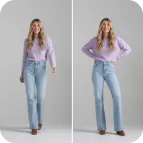
Change poses of your AI models to showcase the perfect fit angle, without reshooting. Ideal for high-volume fashion catalogues.
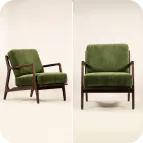
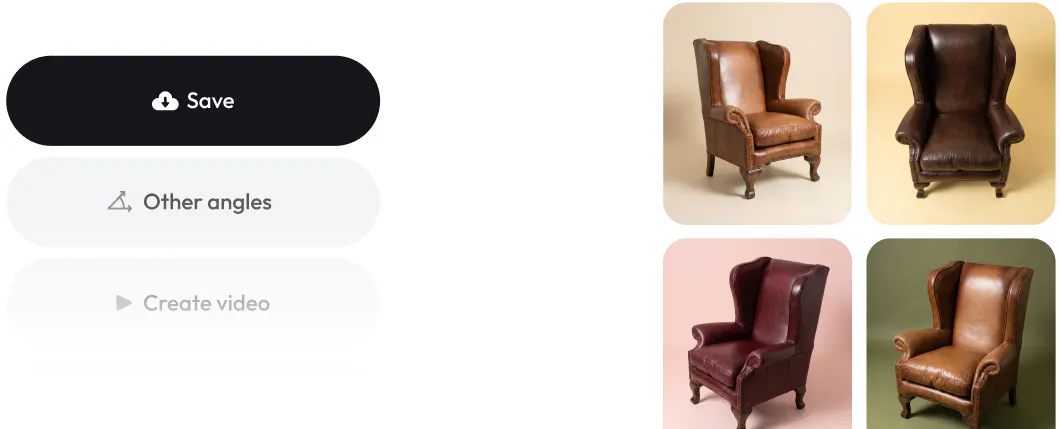
Generate multiple product angles from a single photo. Show your product from every perspective customers want to see.
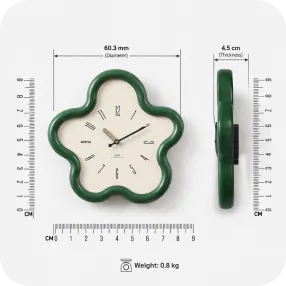
Display exact product dimensions with a visual scale directly on your product image.
Studio Shot transforms ordinary product photos into clean, professional-looking product images with solid-color backgrounds. Upload a product photo, and AI automatically removes distracting environments, improves presentation, and places your product on a polished studio-style background.
No. Studio Shot works with photos taken on a phone or camera. You can turn everyday product photos into clean, catalog-ready images without expensive studio equipment, photographers, or editing software. For best results, use sharp, well-lit photos where the product is clearly visible. Higher-resolution images generally produce better results.
Studio Shot works well for a wide range of products, including: - Fashion & apparel - Bags & accessories - Beauty & skincare products - Jewelry & watches - Furniture & home décor - Consumer packaged goods - Electronics and gadgets
Yes. You can generate images with a variety of solid background colors to match your brand, product category, or marketplace requirements. By default, Studio shot generates using white background. You can choose any color that you need.
Yes. Studio Shot is designed to preserve important product details such as shape, texture, materials, colors, and branding while cleaning up the background. Just ensure that the photo that you upload clearly captures these details.
Absolutely. Studio Shot images are ideal for e-commerce websites, product catalogs, marketplaces, social media, advertisements, and marketing materials.
Background removal simply cuts out the subject. Studio Shot goes further by creating polished, studio-quality product images with clean solid backgrounds that make products look professionally photographed. It retouches the product, fixes the lighting, the orientation and everything as if a professional photographer staged everything in an expensive studio.
Not at all. Studio Shot is designed for anyone—from individual sellers to large brands. Simply upload a photo and let the AI handle the editing.
Yes. Many sellers use Studio Shot to create professional-looking product images without booking photographers, renting studio space, or organizing costly reshoots.
Studio Shot is perfect for: - E-commerce sellers - Shopify store owners - Amazon and Etsy merchants - Small businesses - Marketing teams - Product photographers looking to speed up workflows - Brands managing large product catalogs
With Blend PRO, you can create 100 photos every month, and with Blend MAX, you can create 300 photos every month. With MAX, you also have to option to buy more credits so that you can create more.